
This is an old revision of the document!
Table of Contents
CinematiX 35 Frame build manual
Top Plate
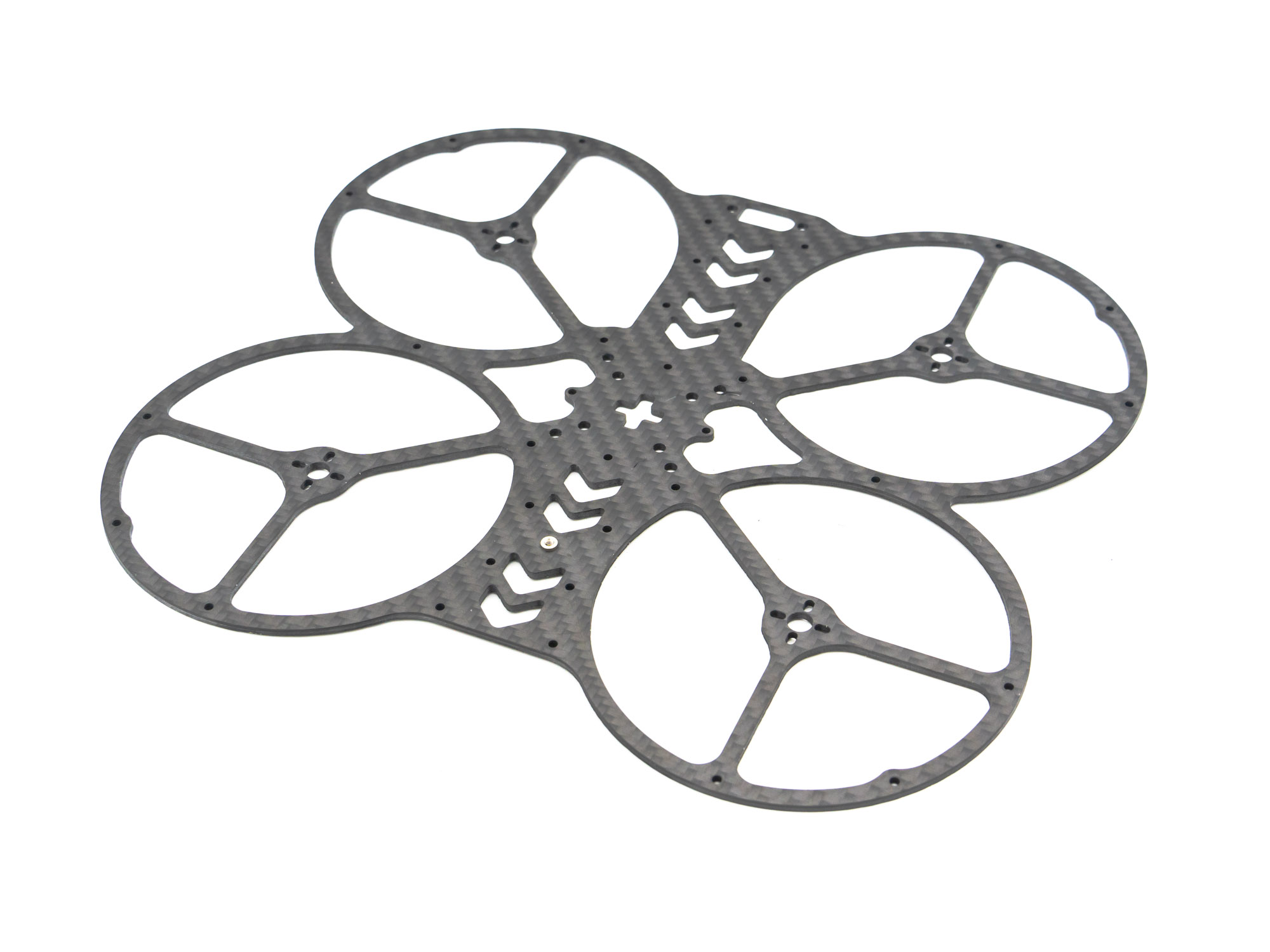
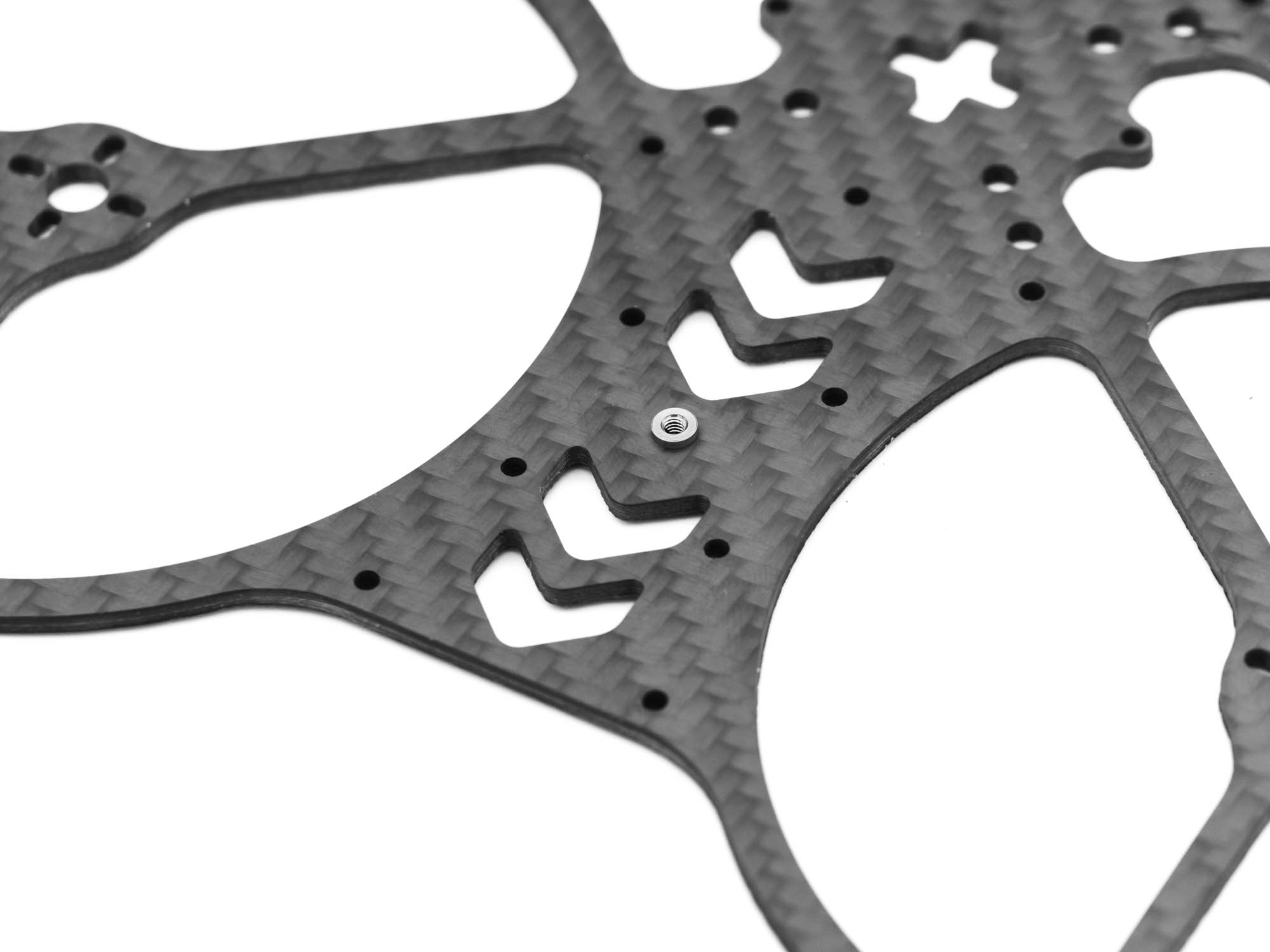 Start with the top Plate. The Thread insert should look upwards.
TPU Capacitor Mount
 The AIO FC is mounted beneath the TPU Capacitor mount with M2x15mm screws.
TPU RX Mount
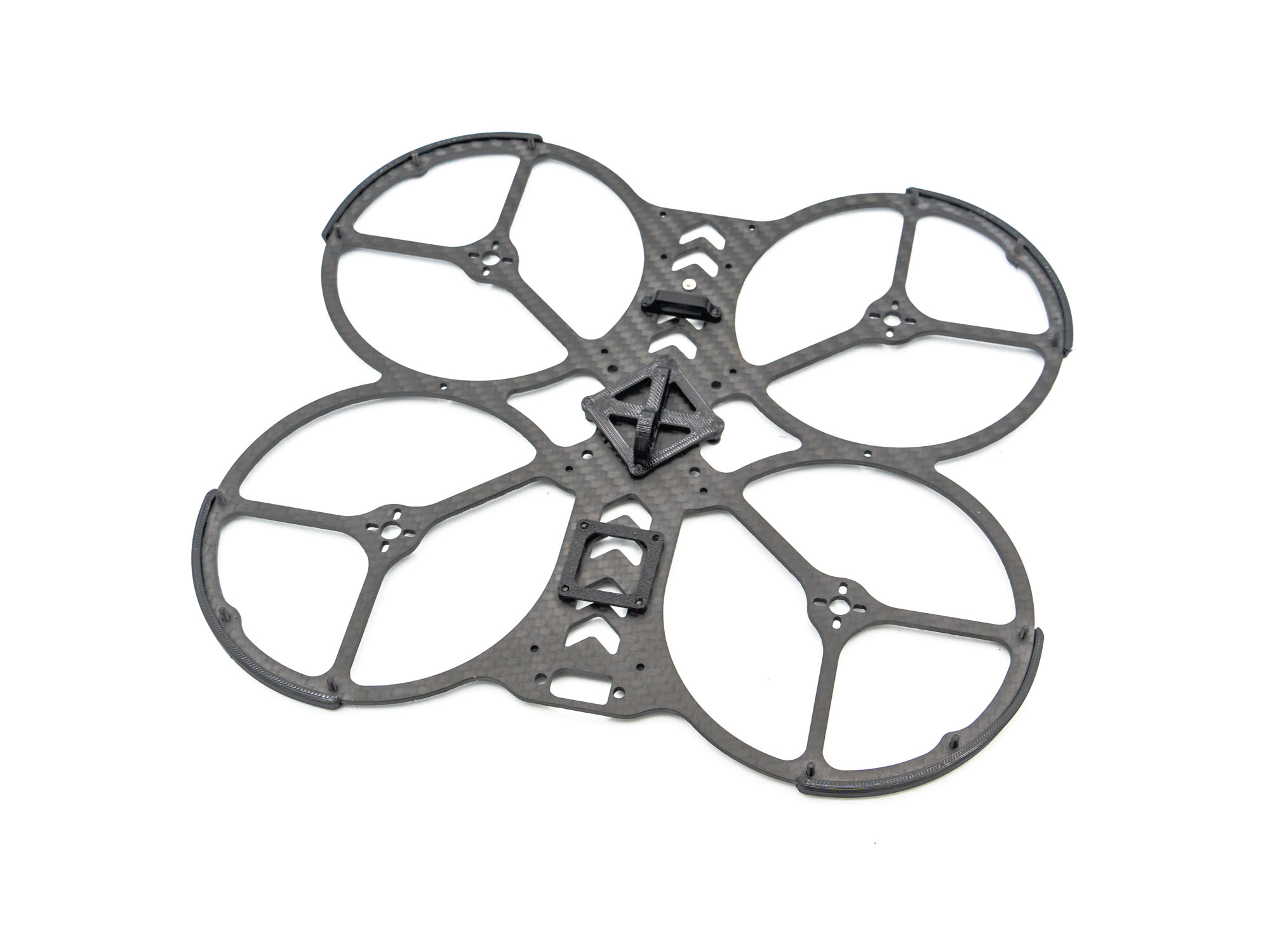 Install the TPU RX Mount with M2x4mm Screws.
TPU VTX Mount
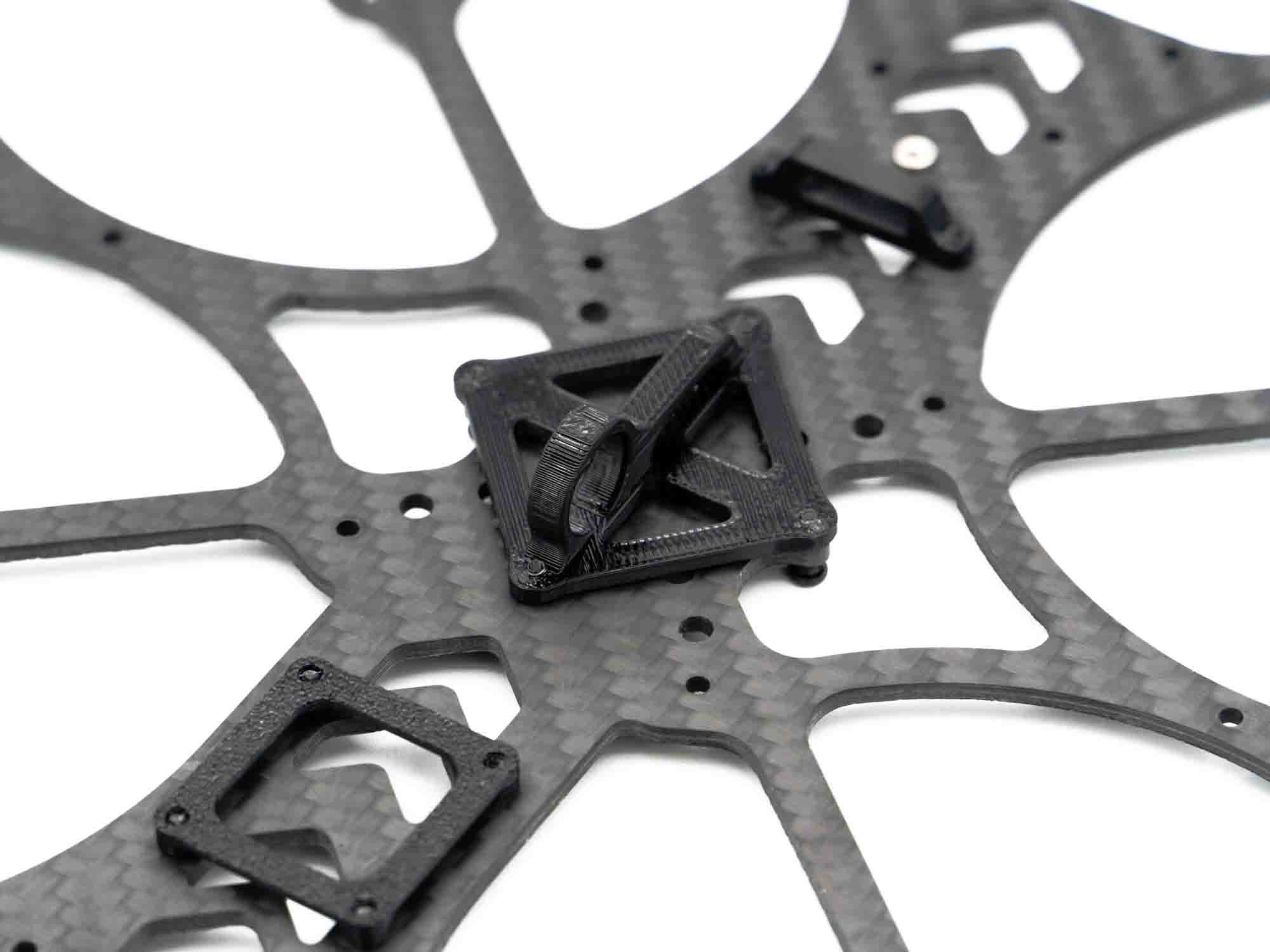 Install the TPU Mount for your DJI VTX with M2x6mm Screws.
TPU Bumper
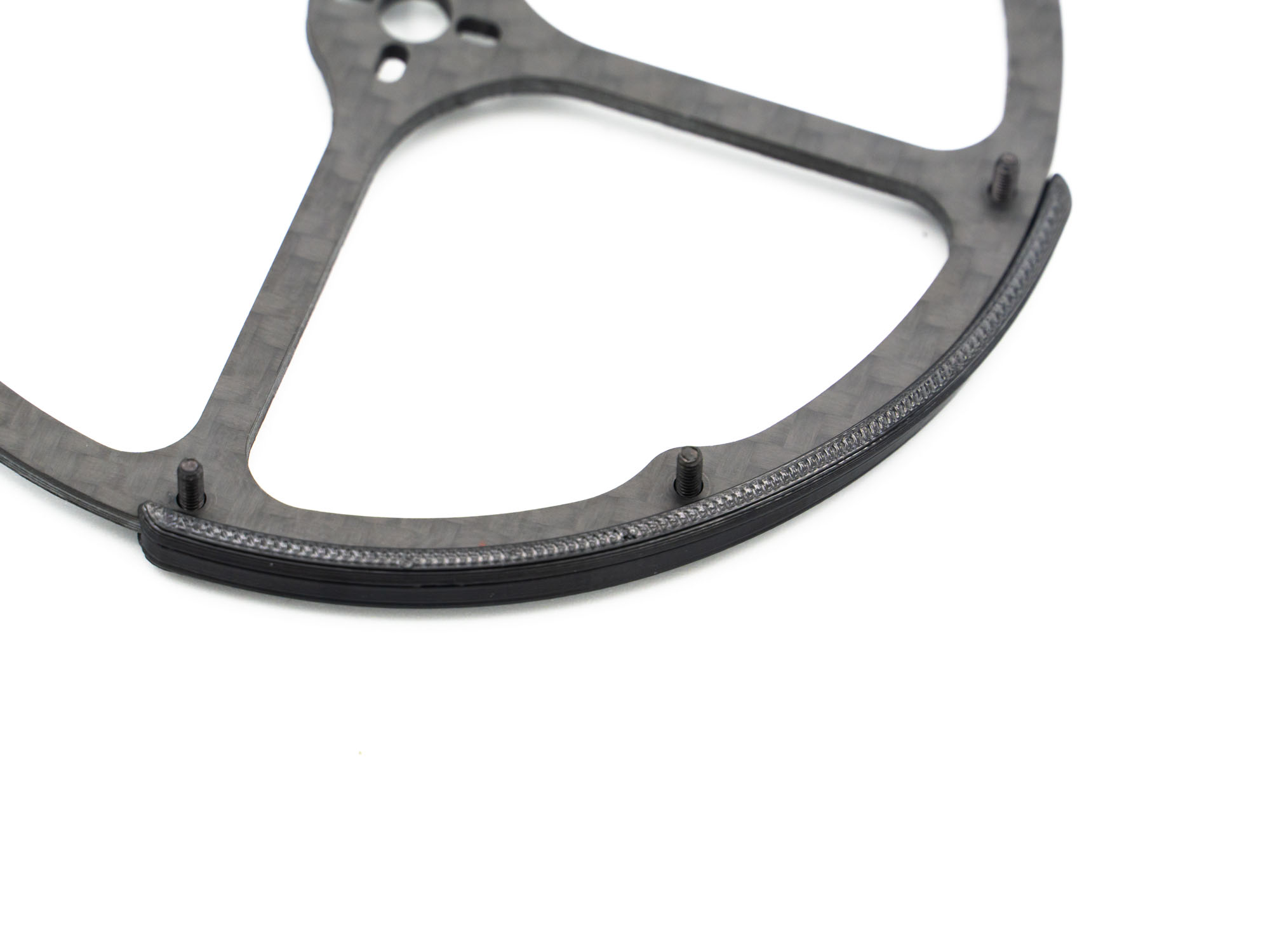 Prepare the TPU Bumpers by sticking M2x8mm Screws through them and mounting them on the Propguards.
Standoffs
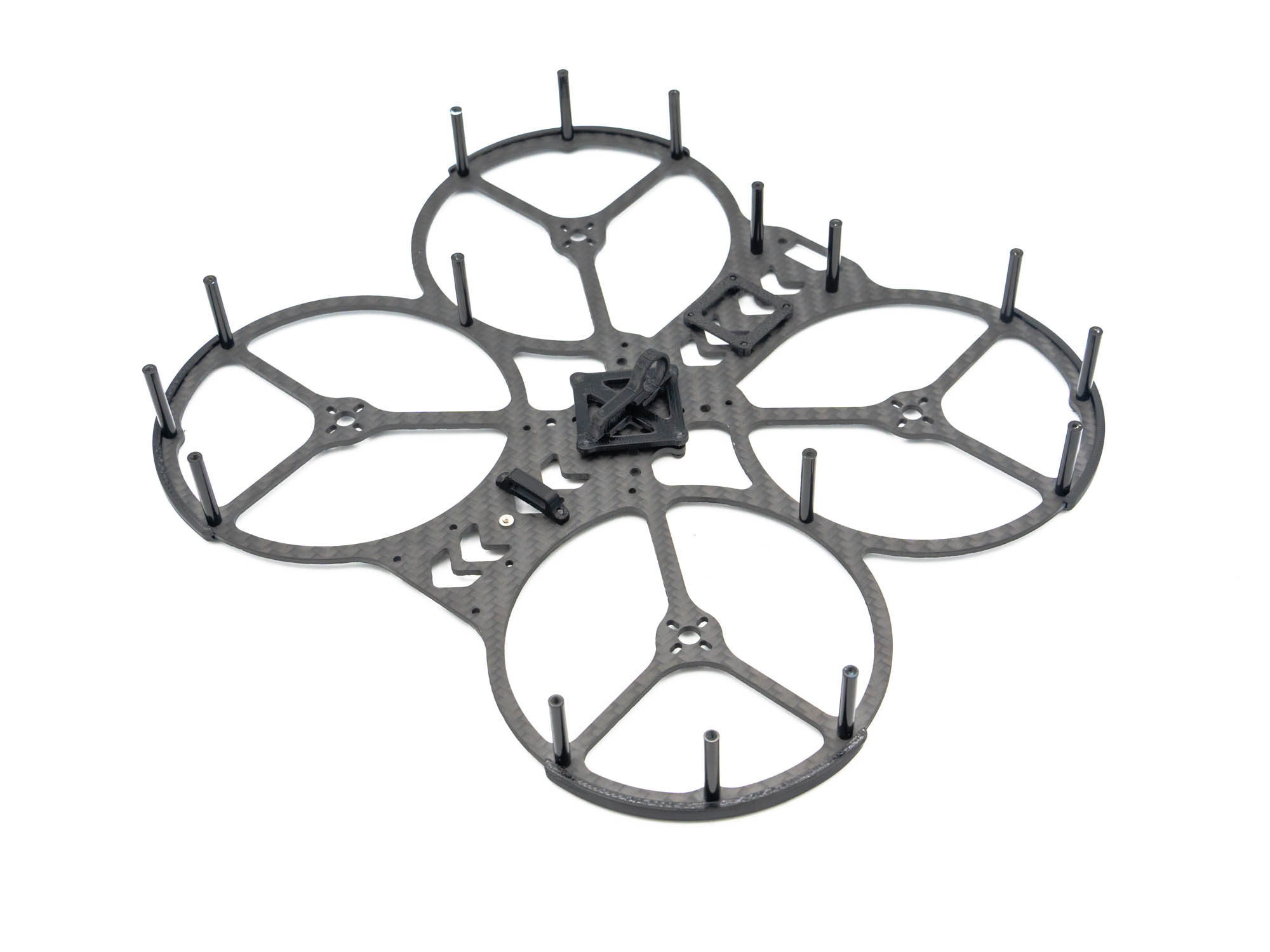 Screw on M2x25mm Standoffs on the exposed screws. also add two Standoffs with M2x6mm Screws where the propguards touch and in the rear of the top Plate as shown above.
TPU GoPro Mount
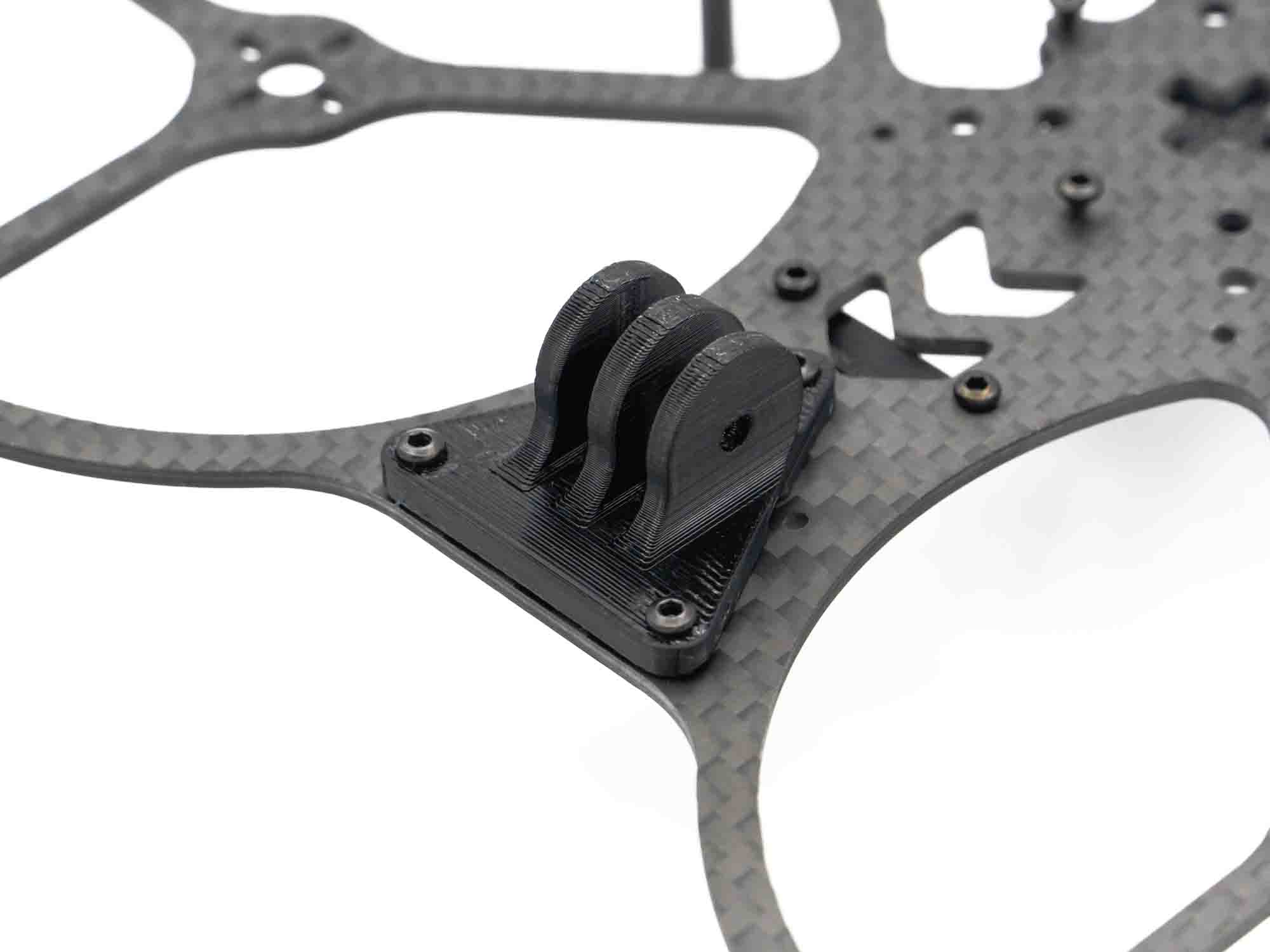 Stick two M2x10mm Screws through the two front holes of the TPU GoPro Mount and install it on the Frame. On the rear end (pointy side) use a M2x6mm screw.
TPU Camera Mount
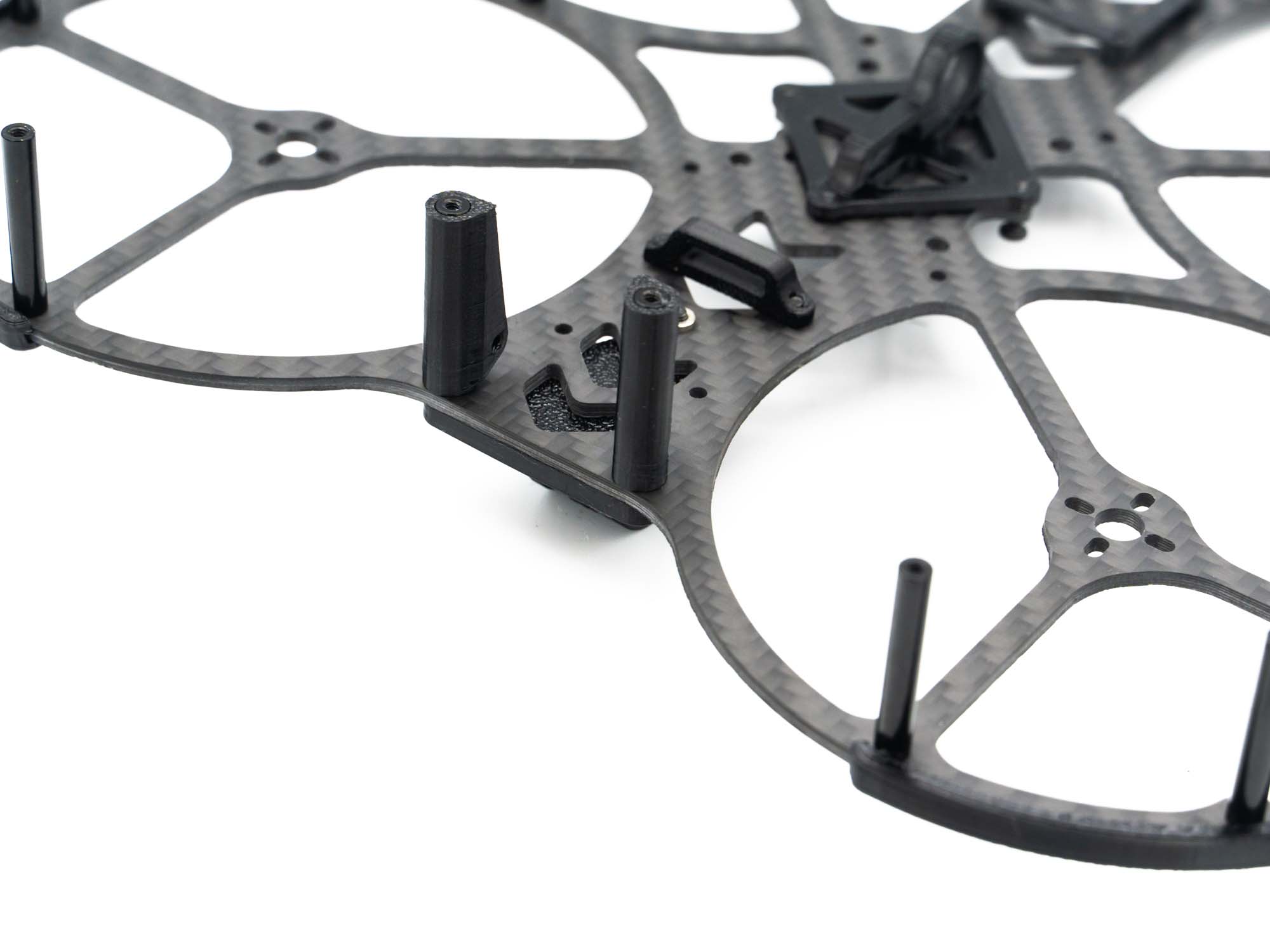 Push the TPU Camera Mounts on the front end standoffs as shown above.
TPU XT-60 and RX Antenna Mount
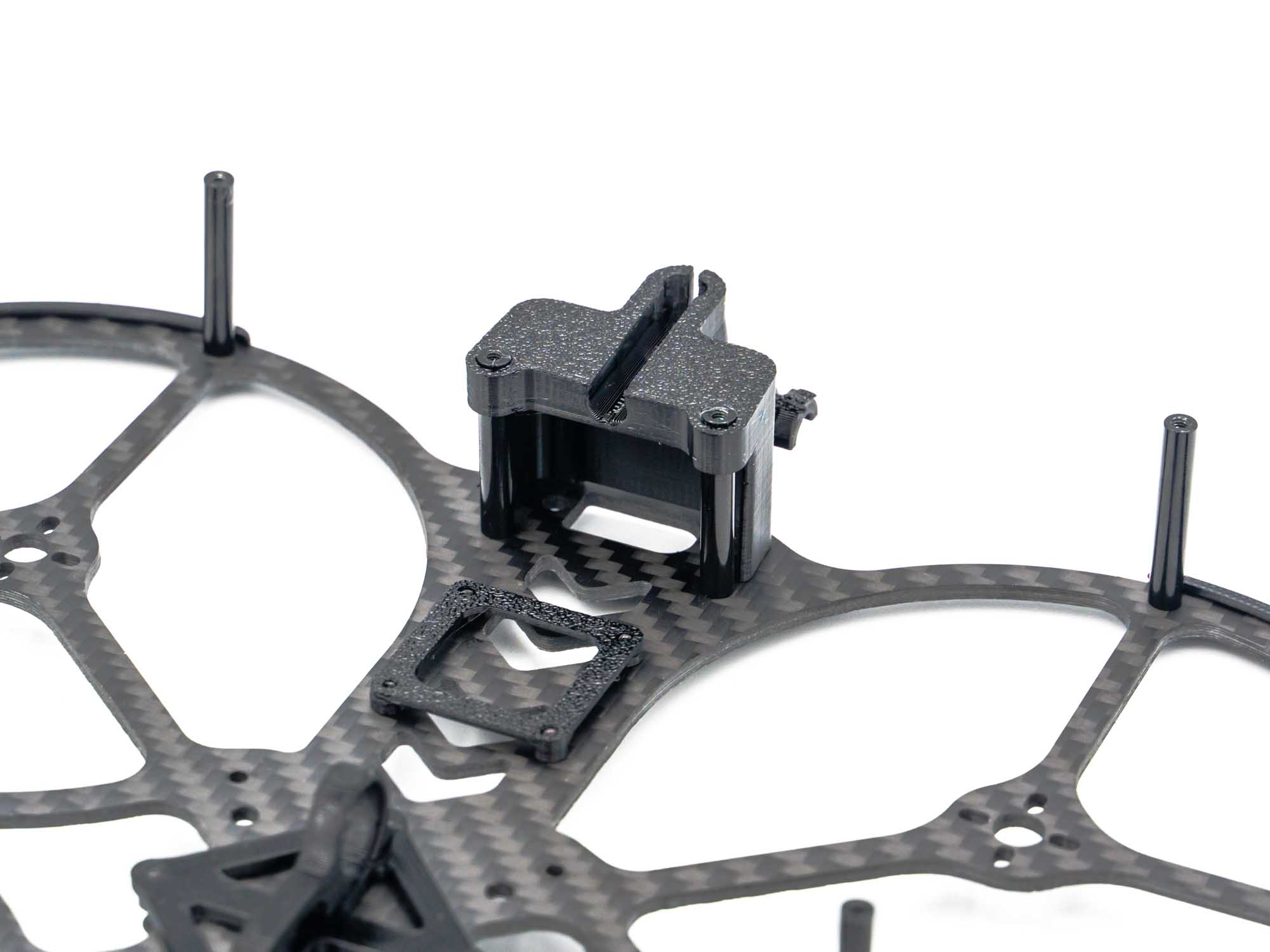 Push on the TPU Mount on the rear Standoffs.
TPU VTX Antenna Mount & Sidecovers
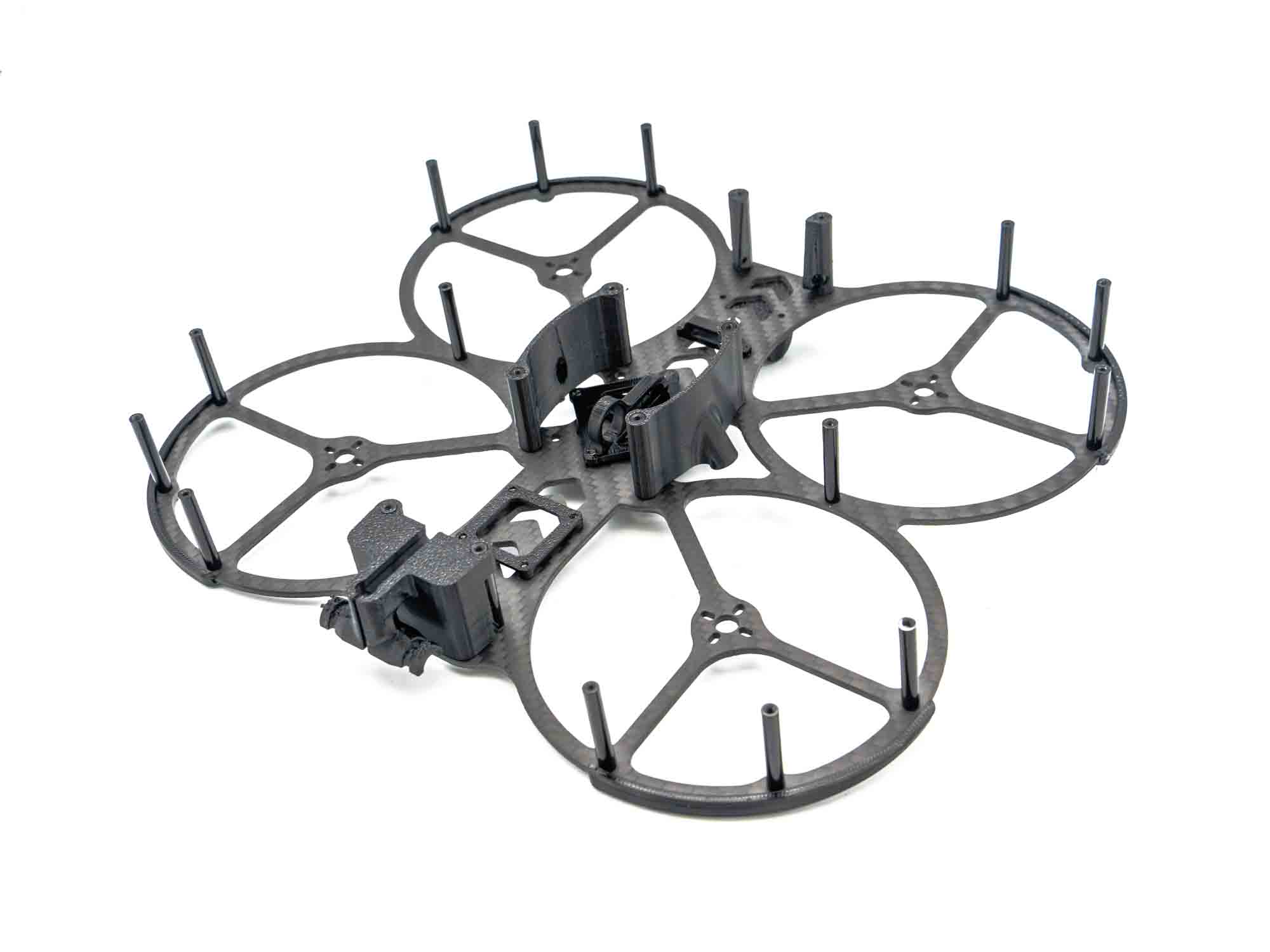 Push on the TPU Side Covers. They are also used to hold the DJI VTX Antenna.