
This is an old revision of the document!
Table of Contents
NakeX 2.5 Frame Build Manual
Introduction
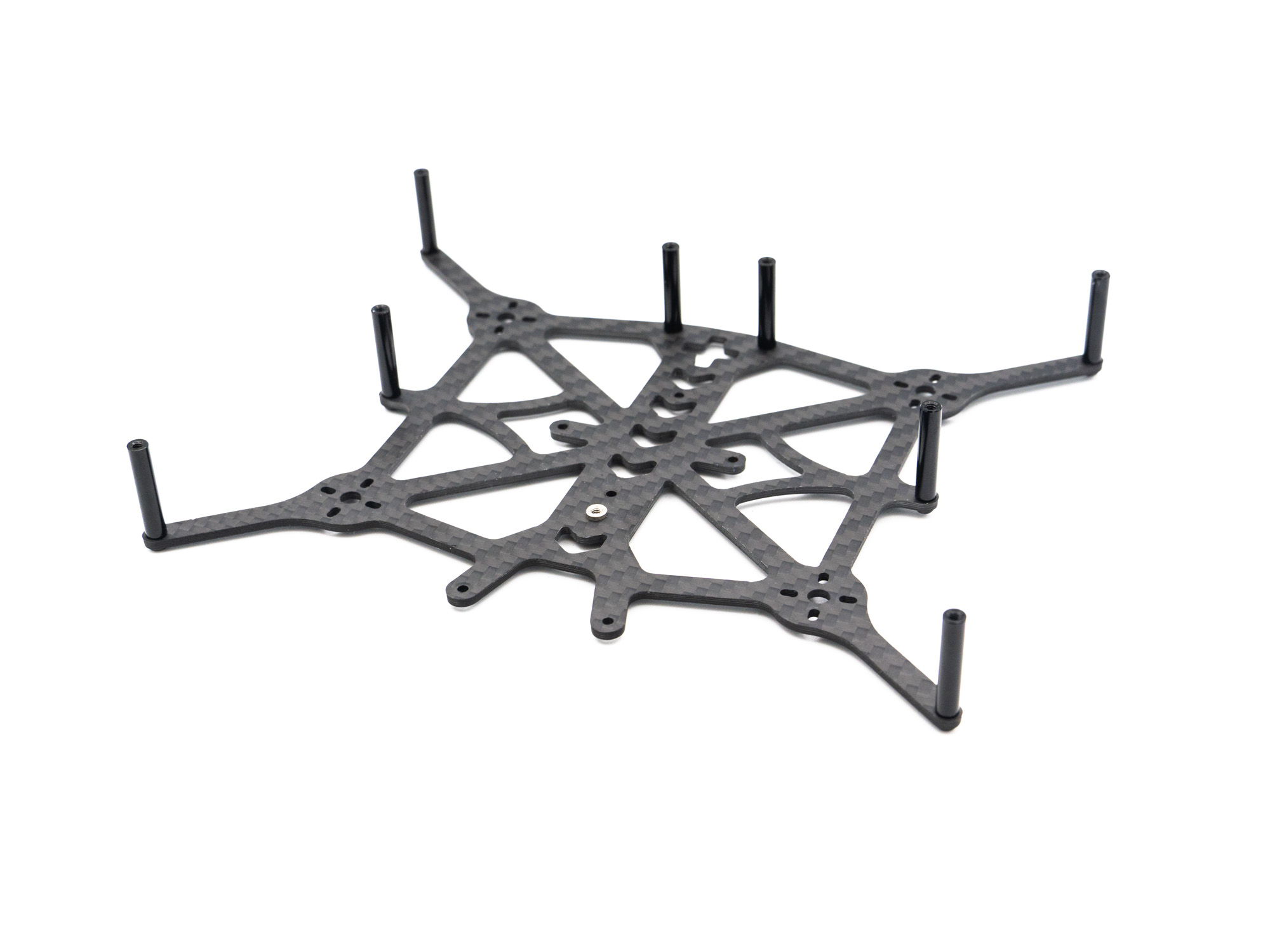
Welcome to the NakeX 2.5 Frame Build Manual. This guide will walk you through the complete assembly process step by step.
Step 1 – Standoffs
• Install M2x22 mm standoffs using M2x6 mm screws
• Ensure the press nut is oriented in the same direction as the standoffs
Step 2 – FC to Air Unit Adapter
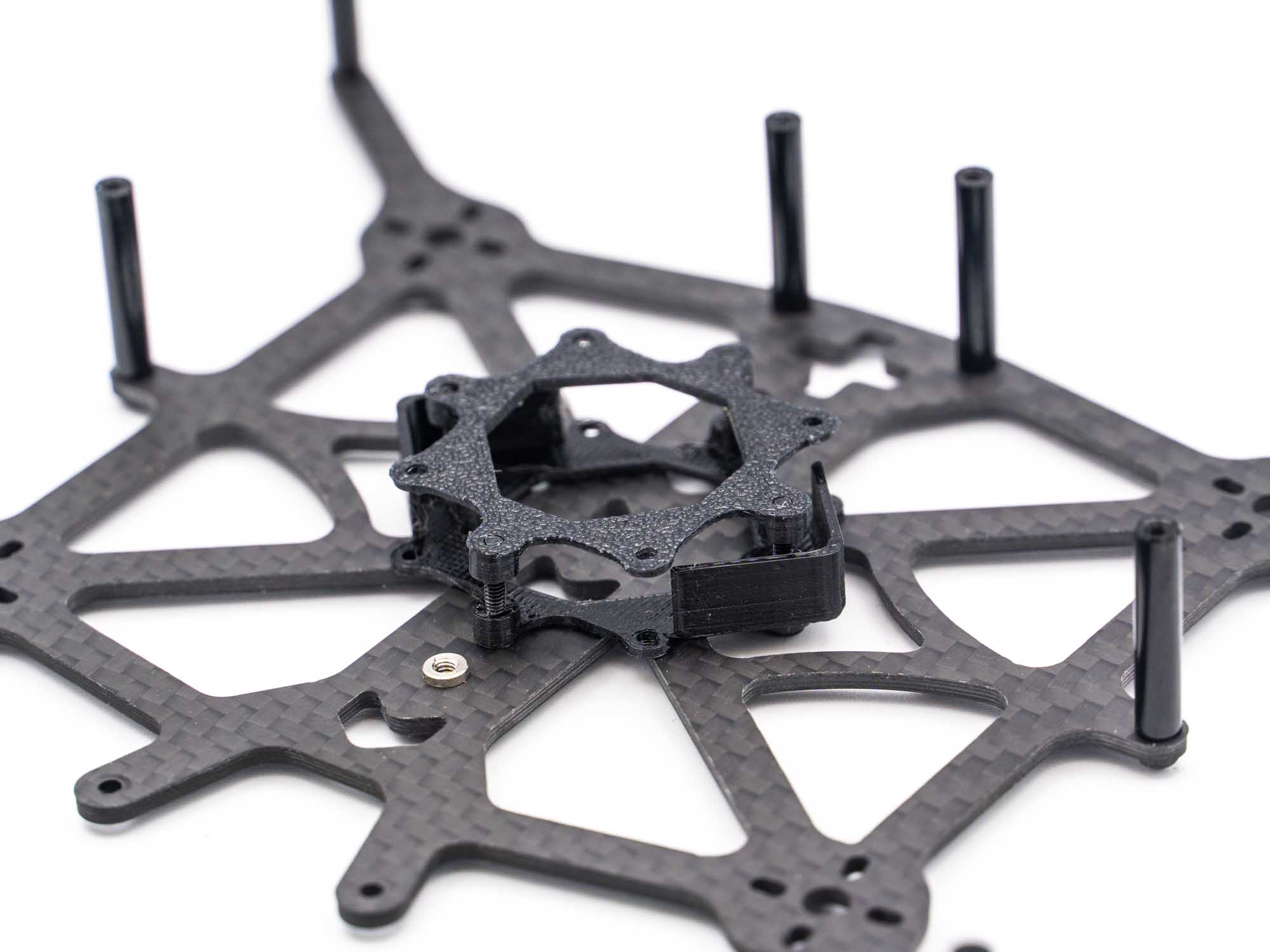
• Choose the correct FC-to-Air-Unit adapter for your AIO flight controller
• The image shows both options
• (The lower adapter is shown upside down for demonstration purposes)
• Install the adapter on top of the AIO
Step 3 – TPU Antenna Mount & Spacers
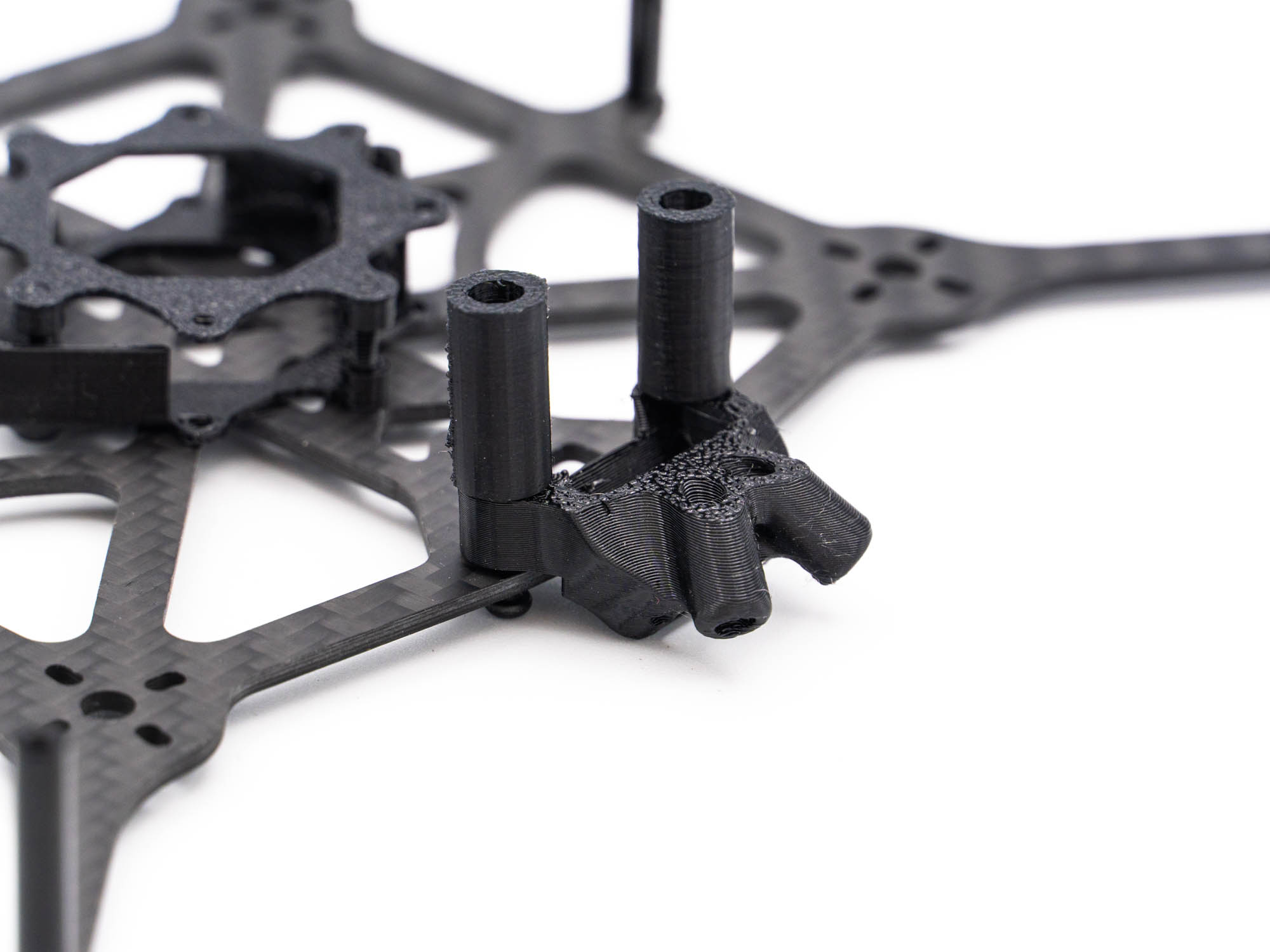
• Install the TPU antenna mount on the rear standoffs
• Add the TPU spacers
• Ensure the antenna mount is oriented correctly, as shown above
Step 4 – Front Standoffs & Camera Mounts
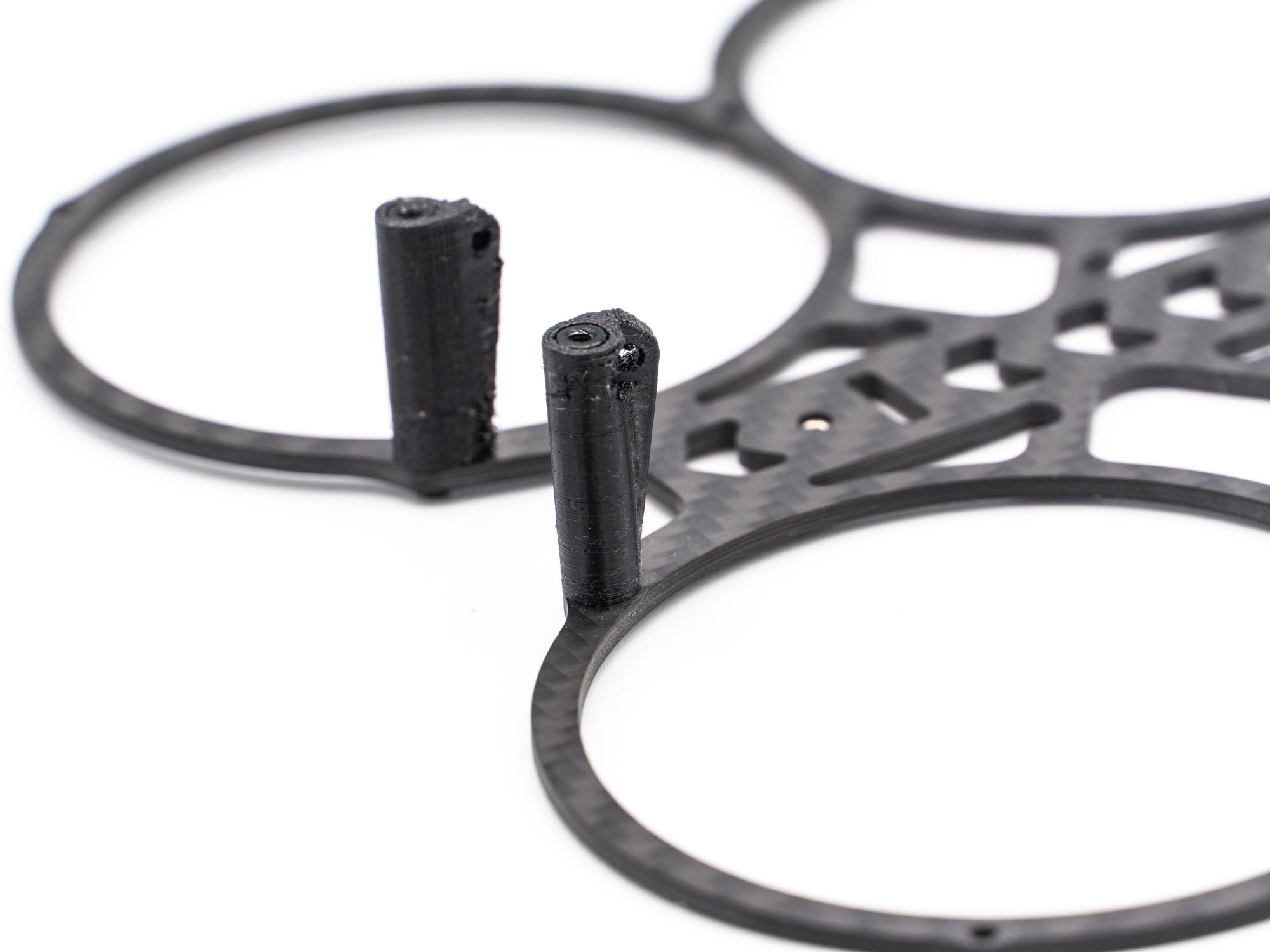
• Install two M2x22 mm standoffs using M2x6 mm screws
• Ensure the press nuts face the same direction as the standoffs
• Push the two TPU camera mounts onto the standoffs
Step 5 – Frame Assembly
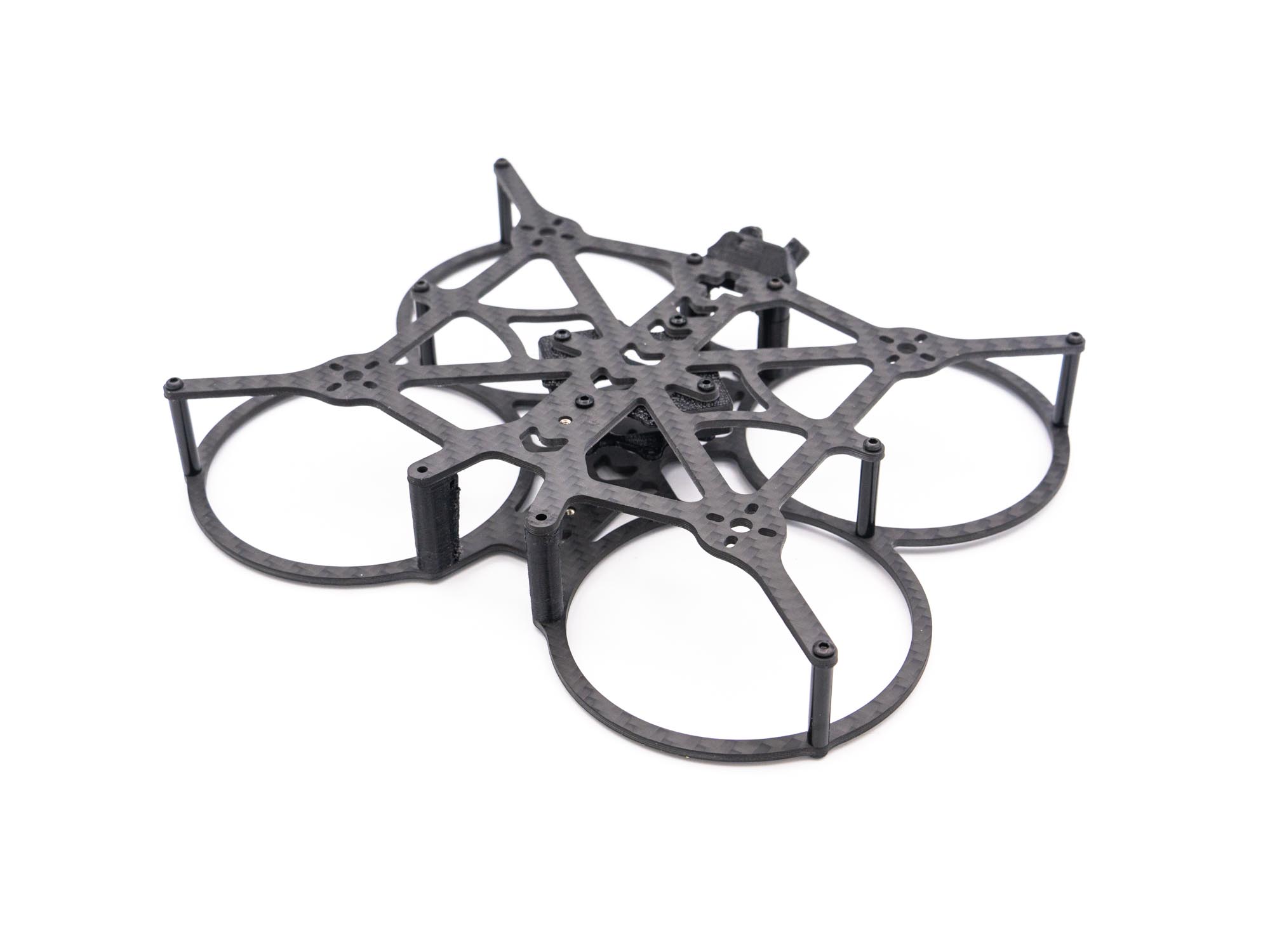
• Join both frame parts together
• Secure using M2x6 mm screws
• Do not tighten the camera mounts yet
Step 6 – GoPro Mount
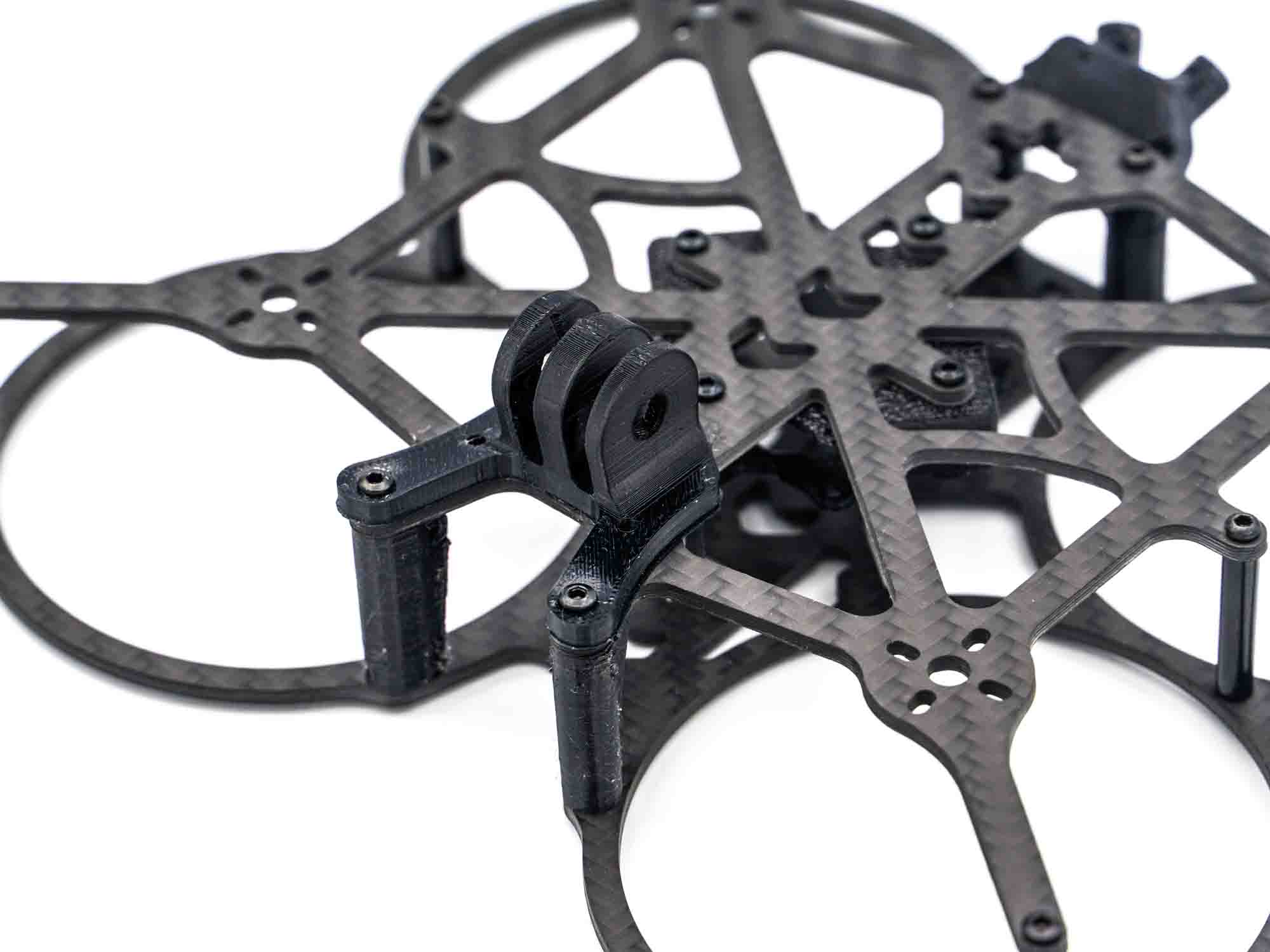
• Install the GoPro mount
• Secure with two M2x8 mm screws
Step 7 – TPU Wire Mount
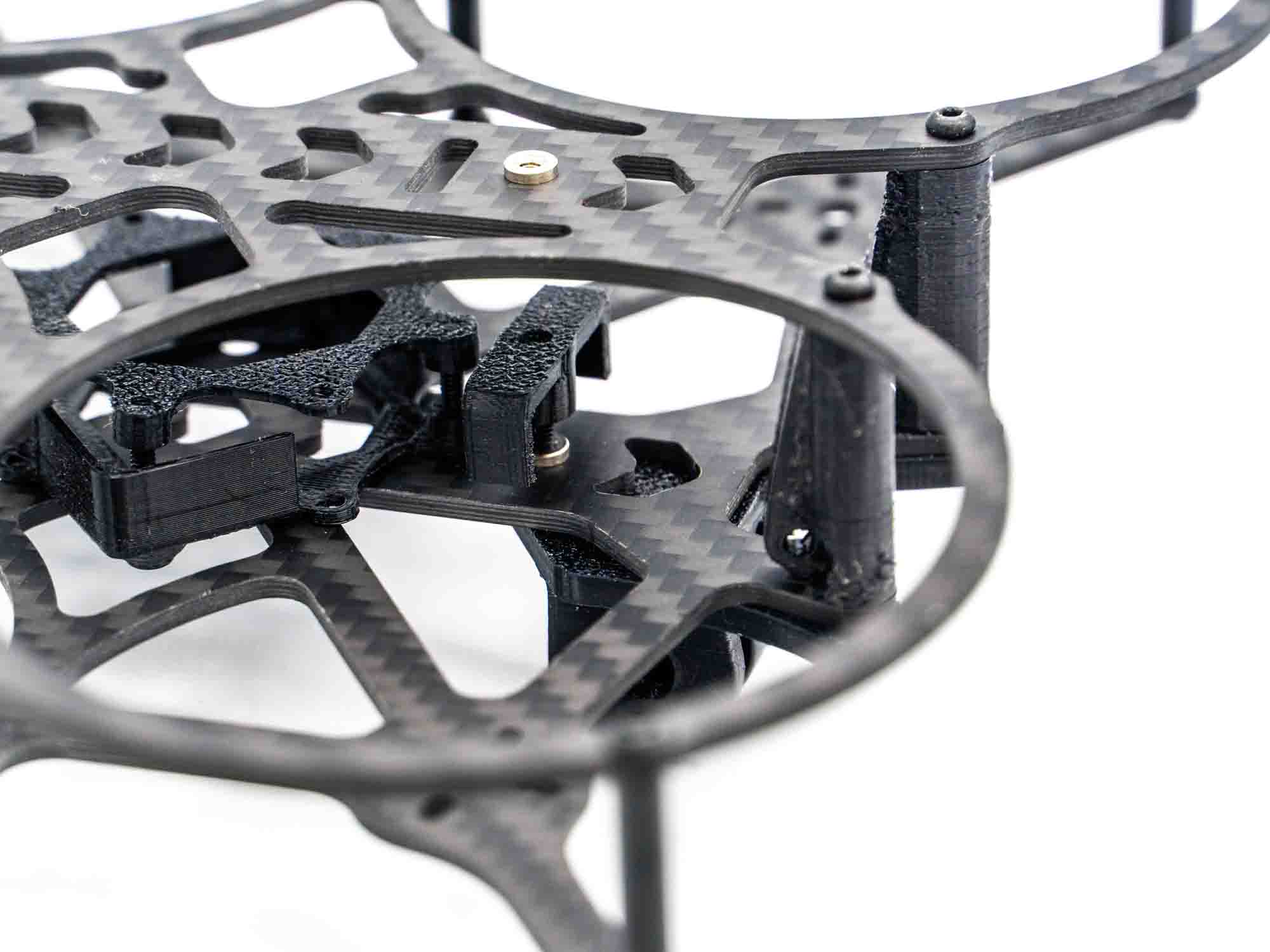
• Install the TPU wire mount
• Use one M2x8 mm screw through the third hole of the TPU GoPro mount
Finish
Congratulations! Your NakeX 2.5 V2 Frame is now fully assembled and ready for electronics installation.
NakeX 2.5 Complete Build Manual
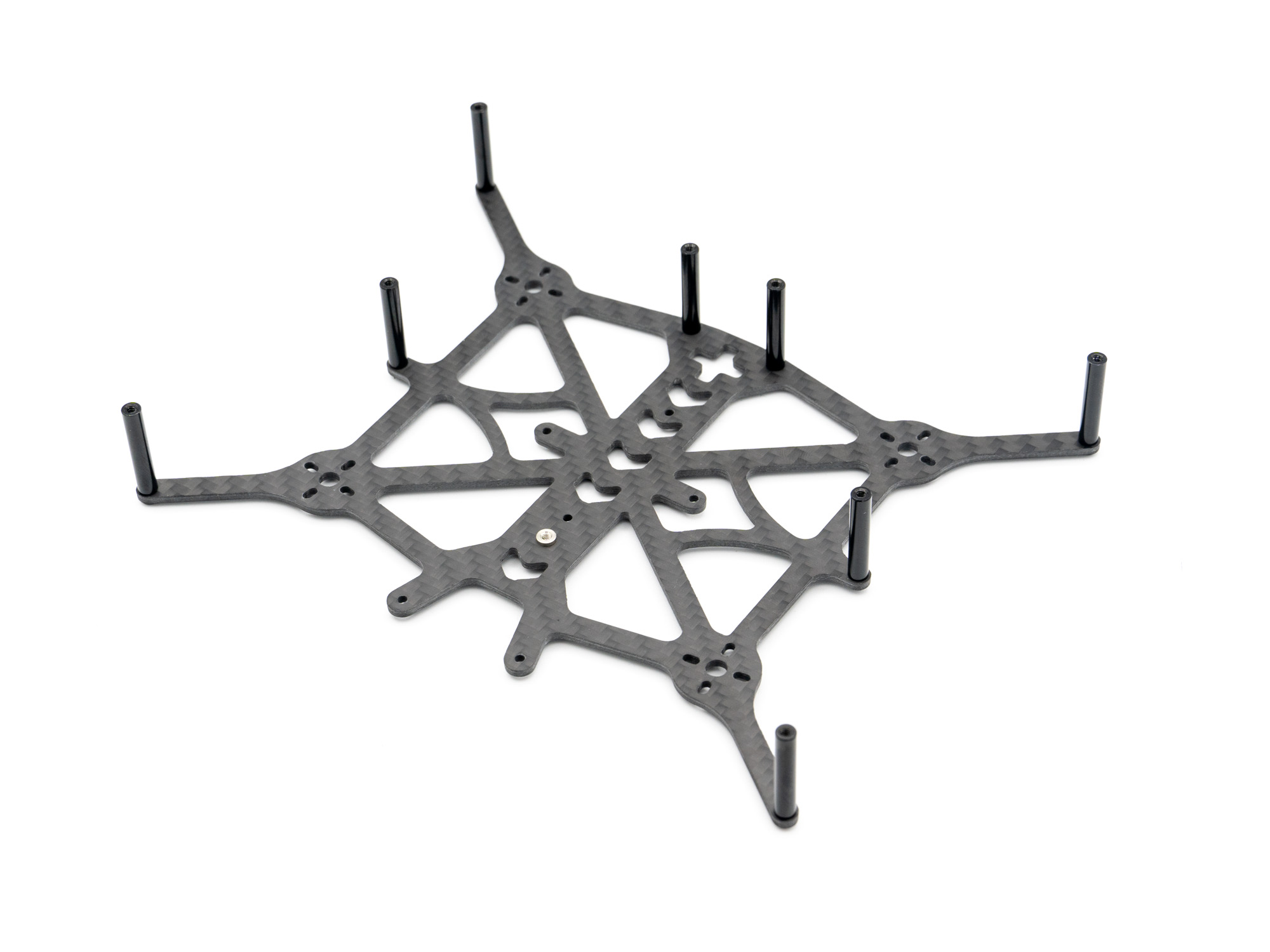 Start by adding Standoffs to the Top Plate Using M2x6mm Screws.
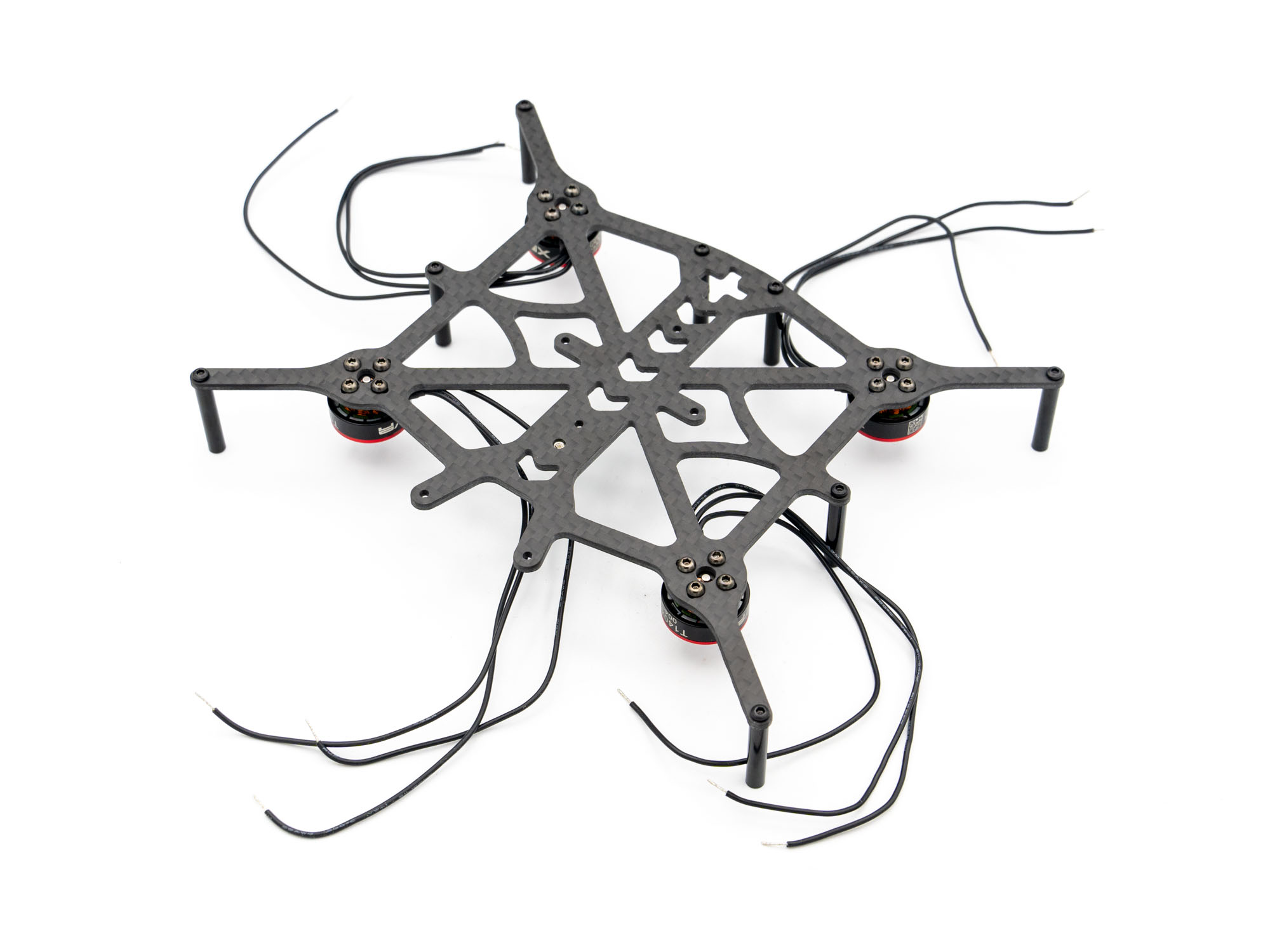 Install the Motors with M2x5mm screws.
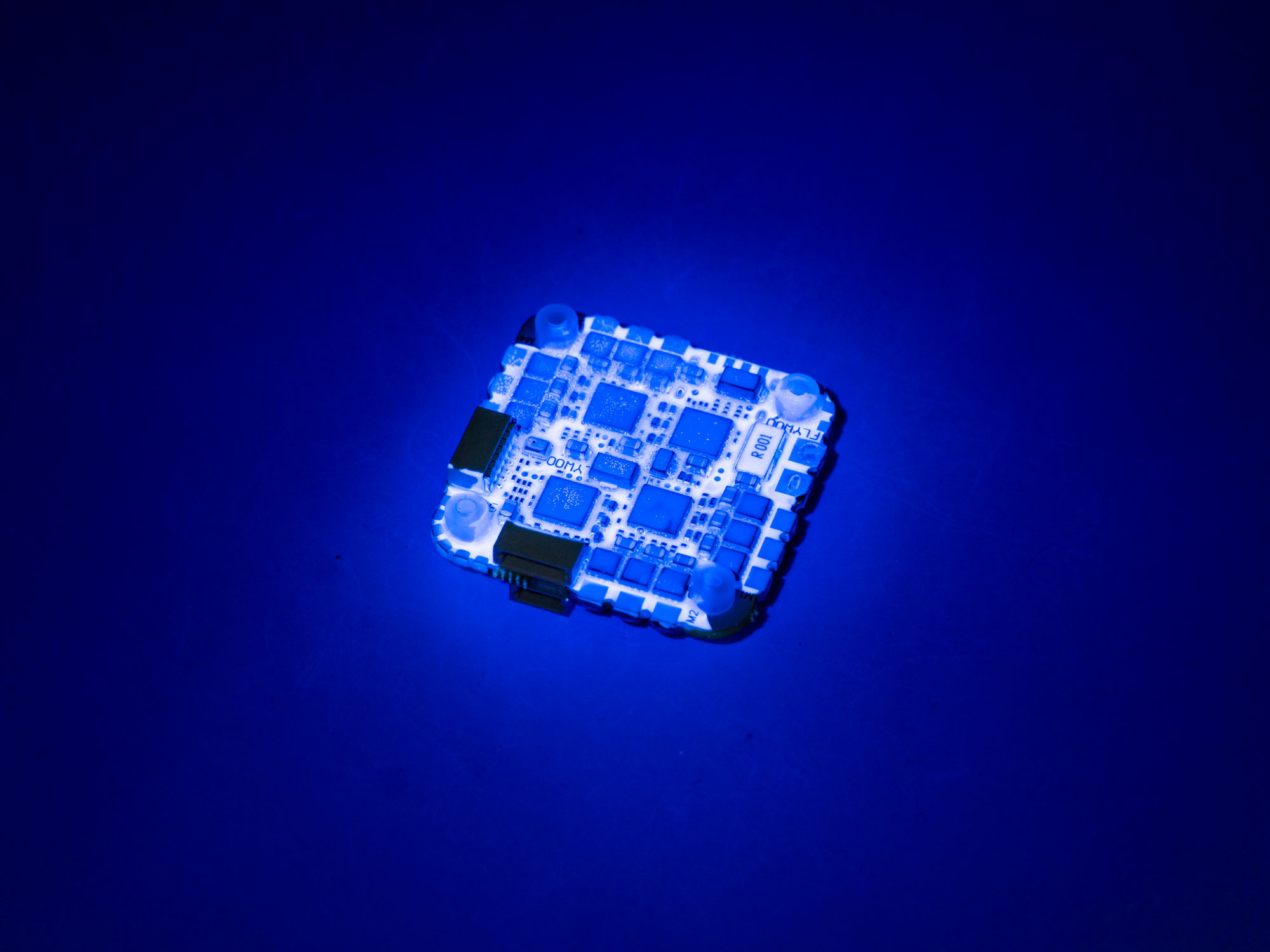
Apply Conformal Coating to the bottom side of the FC, if you dont plan to solder anything else there. If you use the Flywhoo Goku GN745 that we reconmend for this build, you dont have to worry about that though. Tip: Shining a UV-Lamp on the FC clearly shows where Conformal coating is already applied. Be careful to not coat any of the Plugs!
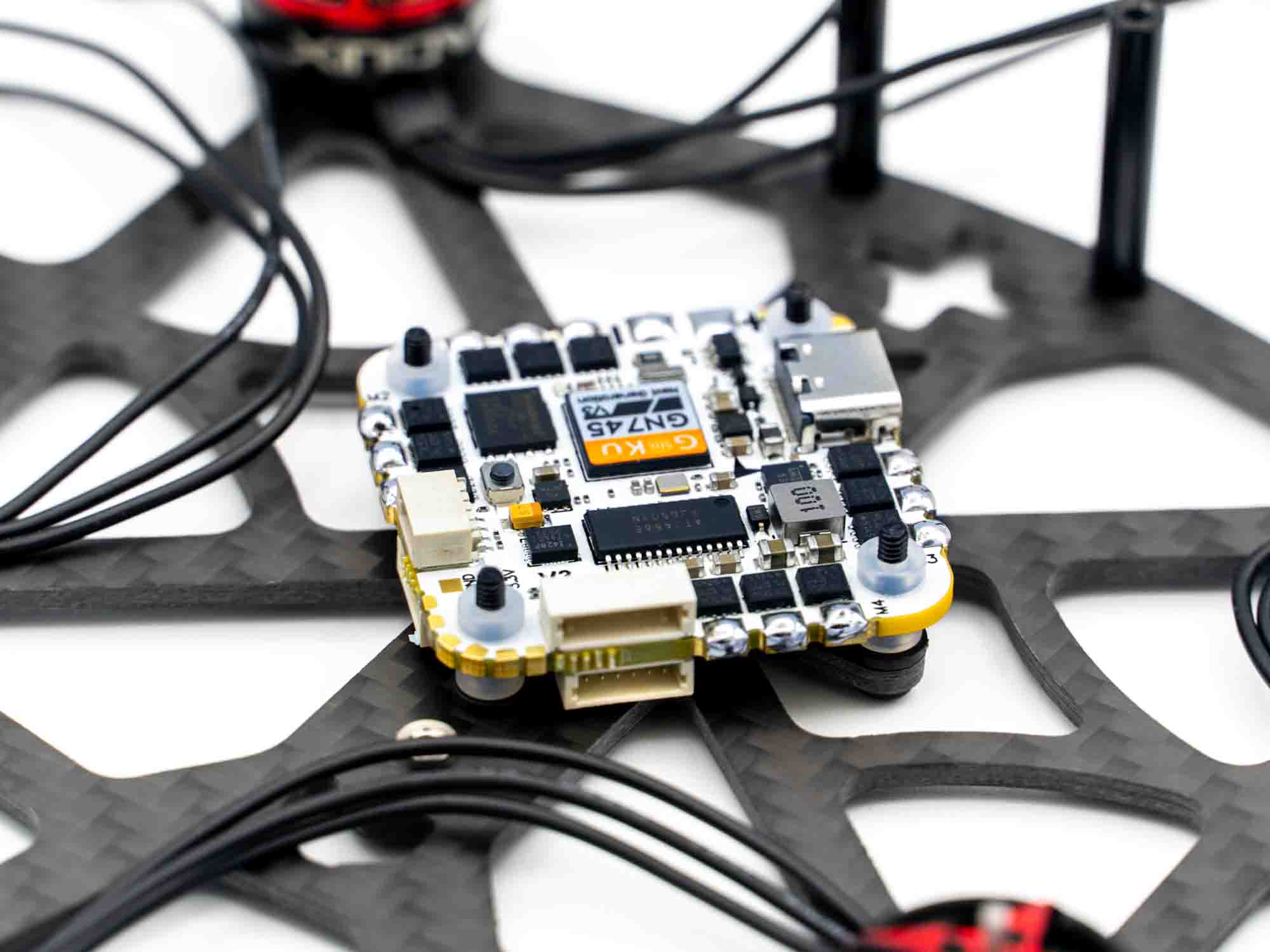 Install the FC on the Frame with M2x12mm screws. Use the Spacers provided with the FC so there is no way the FC could make contact with the Carbon Fibre, or else it might Fry itself when powered up. There should be 1-2mm of space between the FC and Carbon Plate.
Pre-tin the Motorwire and power pads.
We Solder at 450 Degrees Celsius and use TBS Solder to get proper solder connections.
Install the FC on the Frame with M2x12mm screws. Use the Spacers provided with the FC so there is no way the FC could make contact with the Carbon Fibre, or else it might Fry itself when powered up. There should be 1-2mm of space between the FC and Carbon Plate.
Pre-tin the Motorwire and power pads.
We Solder at 450 Degrees Celsius and use TBS Solder to get proper solder connections.
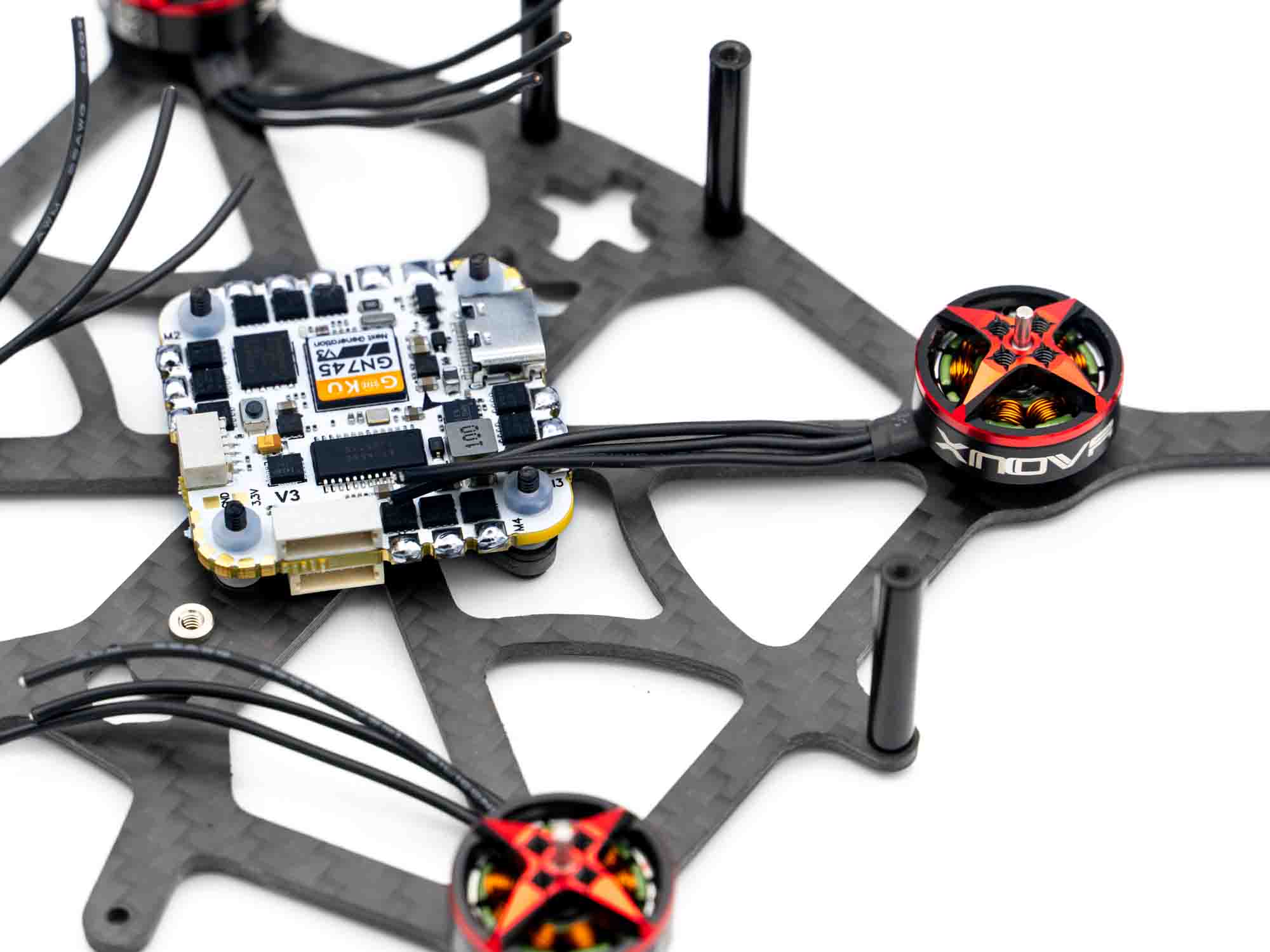
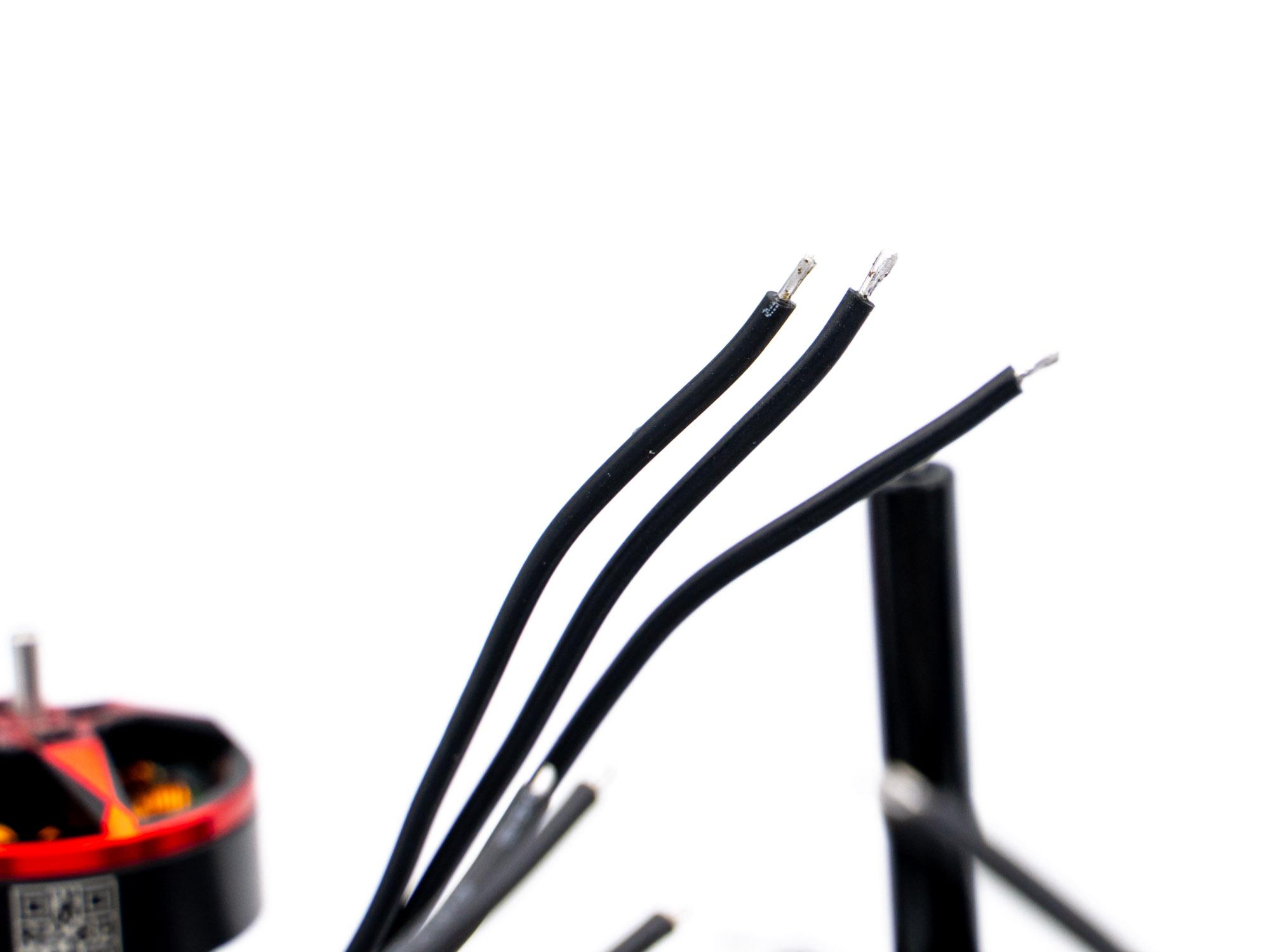
Cut the Motor Wires to the right length. We cut the Wires at about in the middle of the FC when stretched in a straight line along the arms so there is a bit of slack that might save the FC Soldering pads in a crash.
strip about 2mm of insulation, thist and pre-tin the ends of the motorwires.
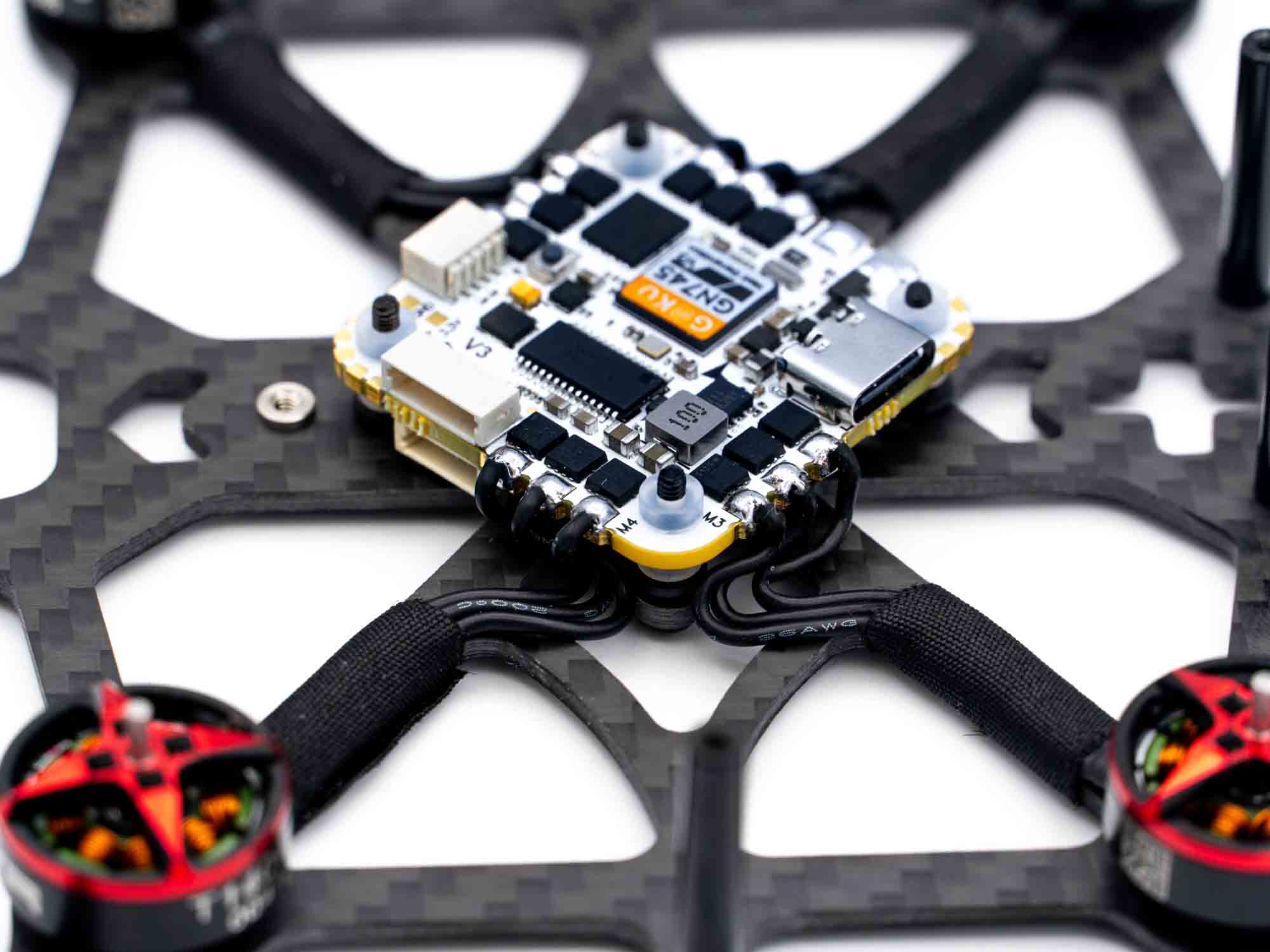 Tape the Motorwires clean and tight to the frame plate and solder the wires to the ESC Pads.
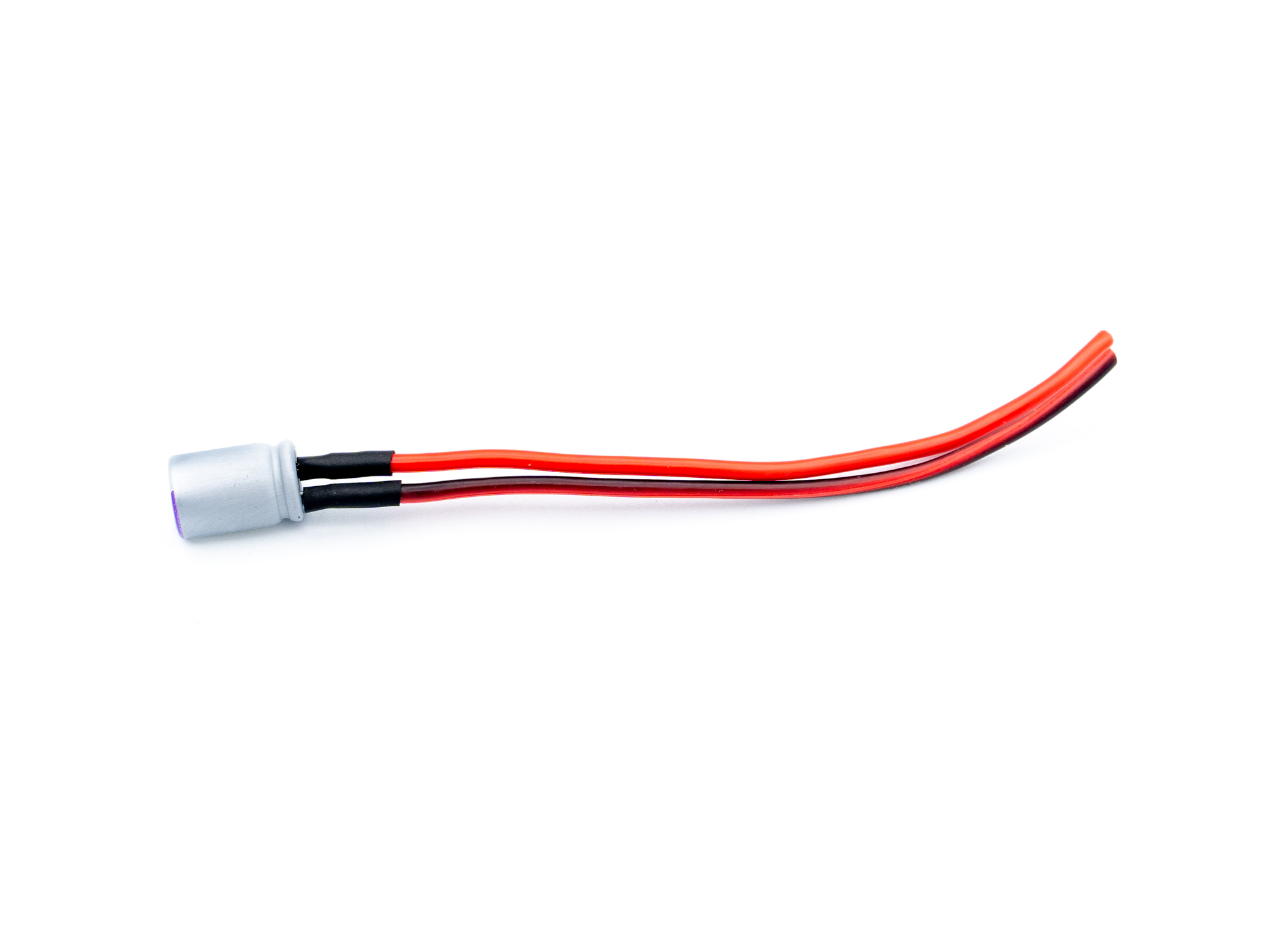 Prepare the capacitor by cutting the two legs to about 3mm and soldering 20AWG Wires to them.
(Short Leg=-, Long Leg=+).
Secure the soldering connection with shrinktube.
Prepare the capacitor by cutting the two legs to about 3mm and soldering 20AWG Wires to them.
(Short Leg=-, Long Leg=+).
Secure the soldering connection with shrinktube.
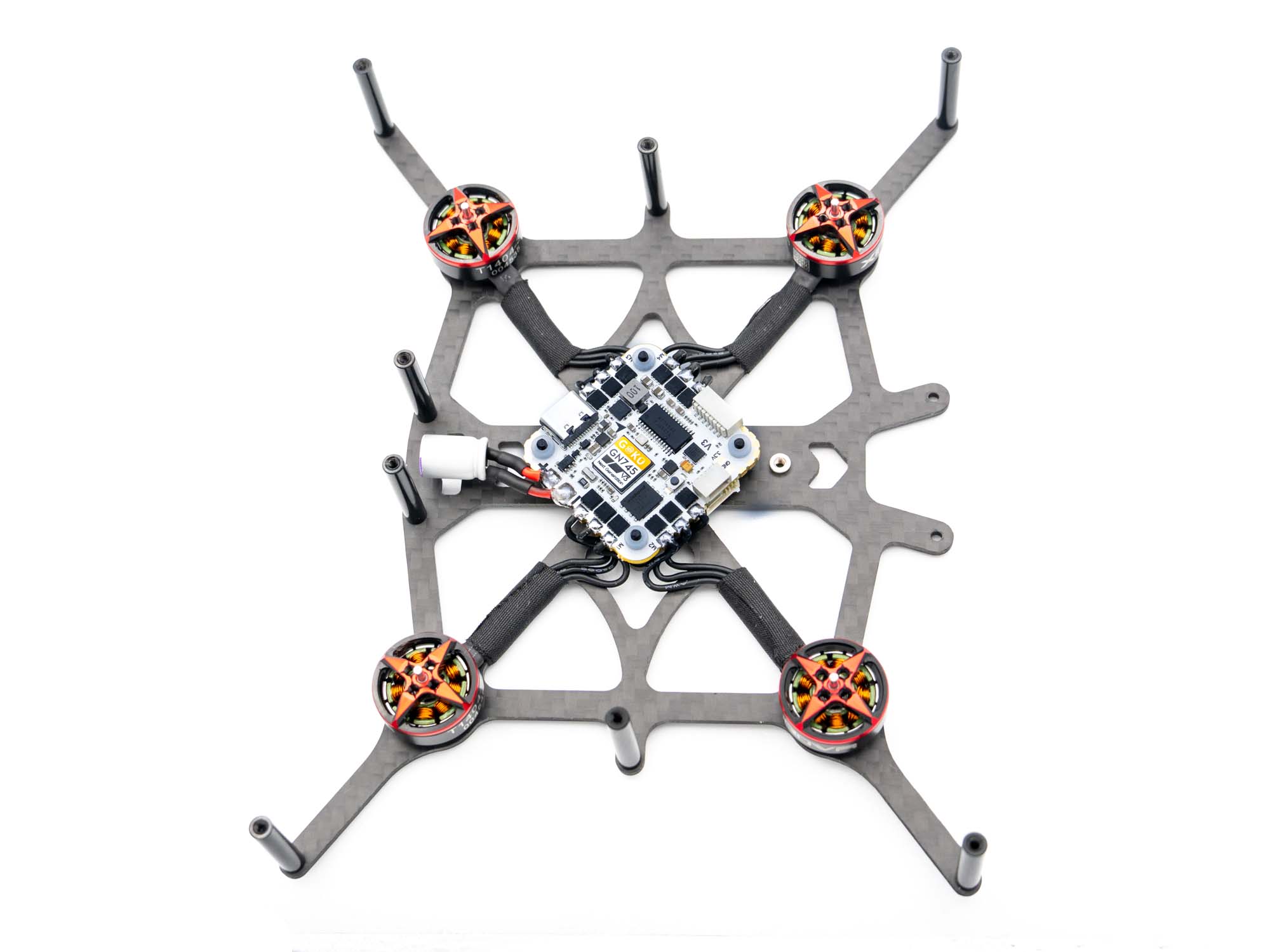 Solder the capacitor tho the FC Power Pads. The placement is important, so make shure the cap is positioned straight and in the middle of the plat as shown above.
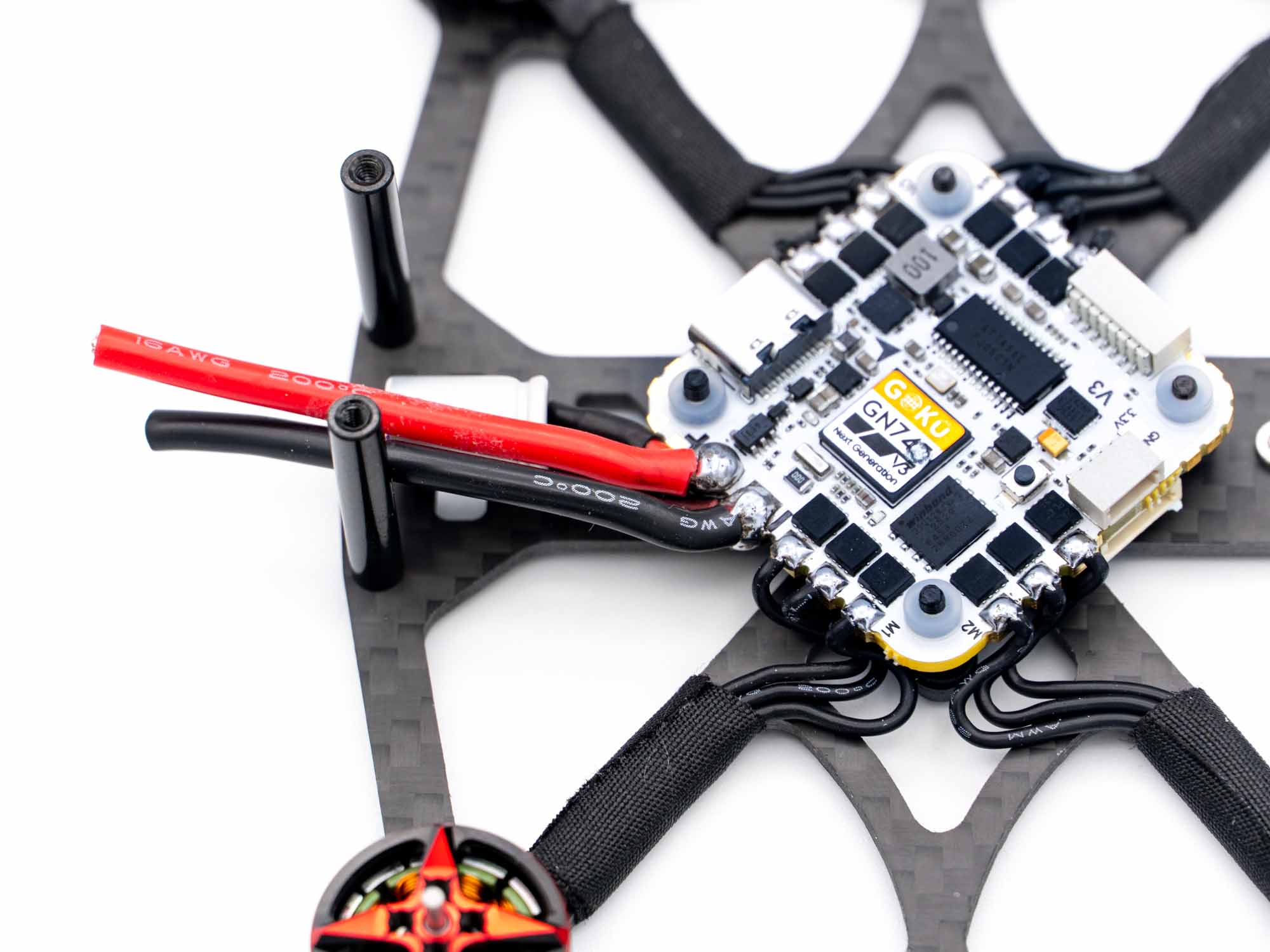 Solder 16AWG wires to the power pads. They should be just a bit longer than the frame.
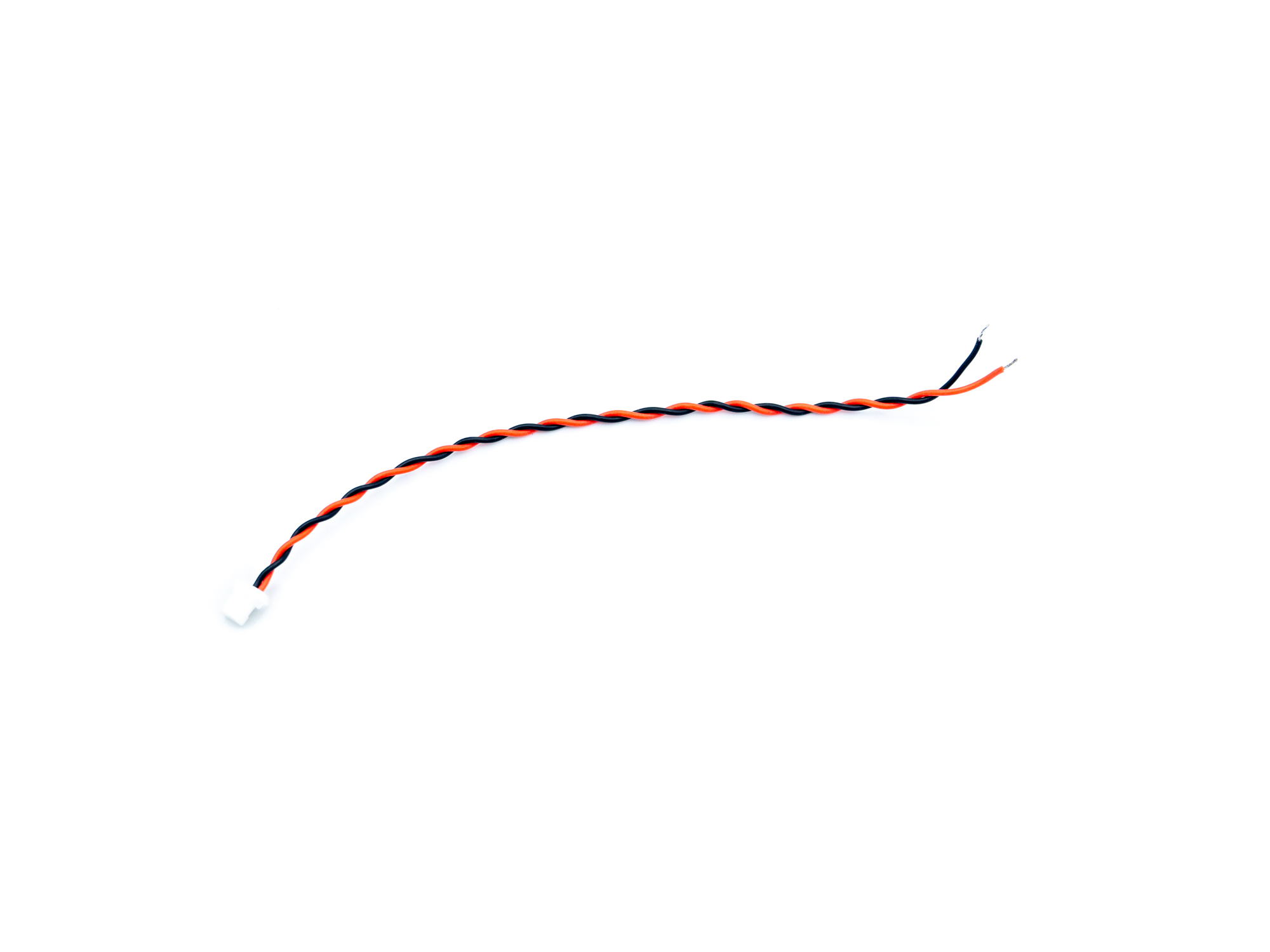
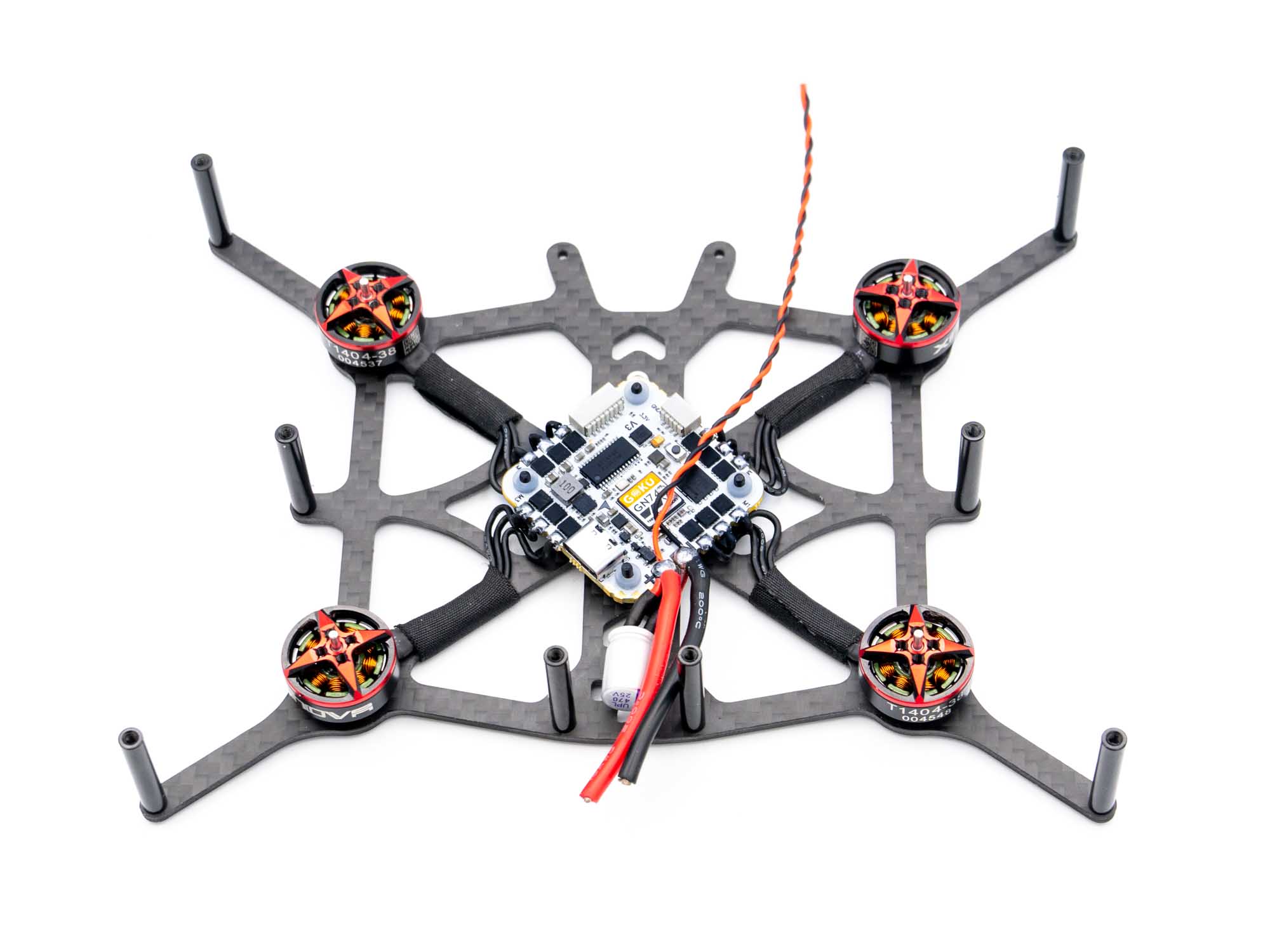
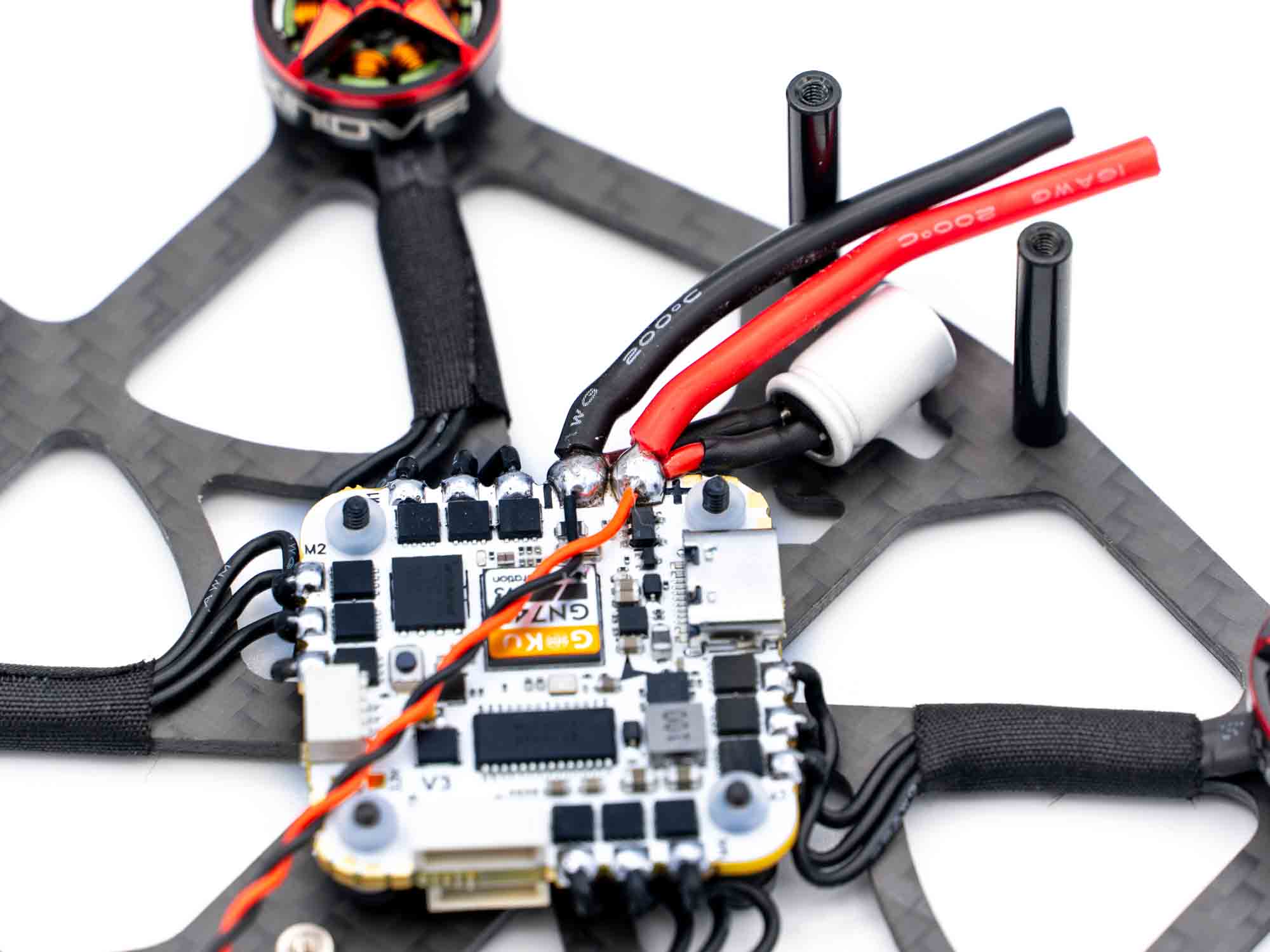
Twist and cut the Naked Actioncam power Wire to about 10cm-11cm and also solder them to the FC power pads. This step can be a bit difficult, so take your time to produce a clean, uniform, shiny bubble.
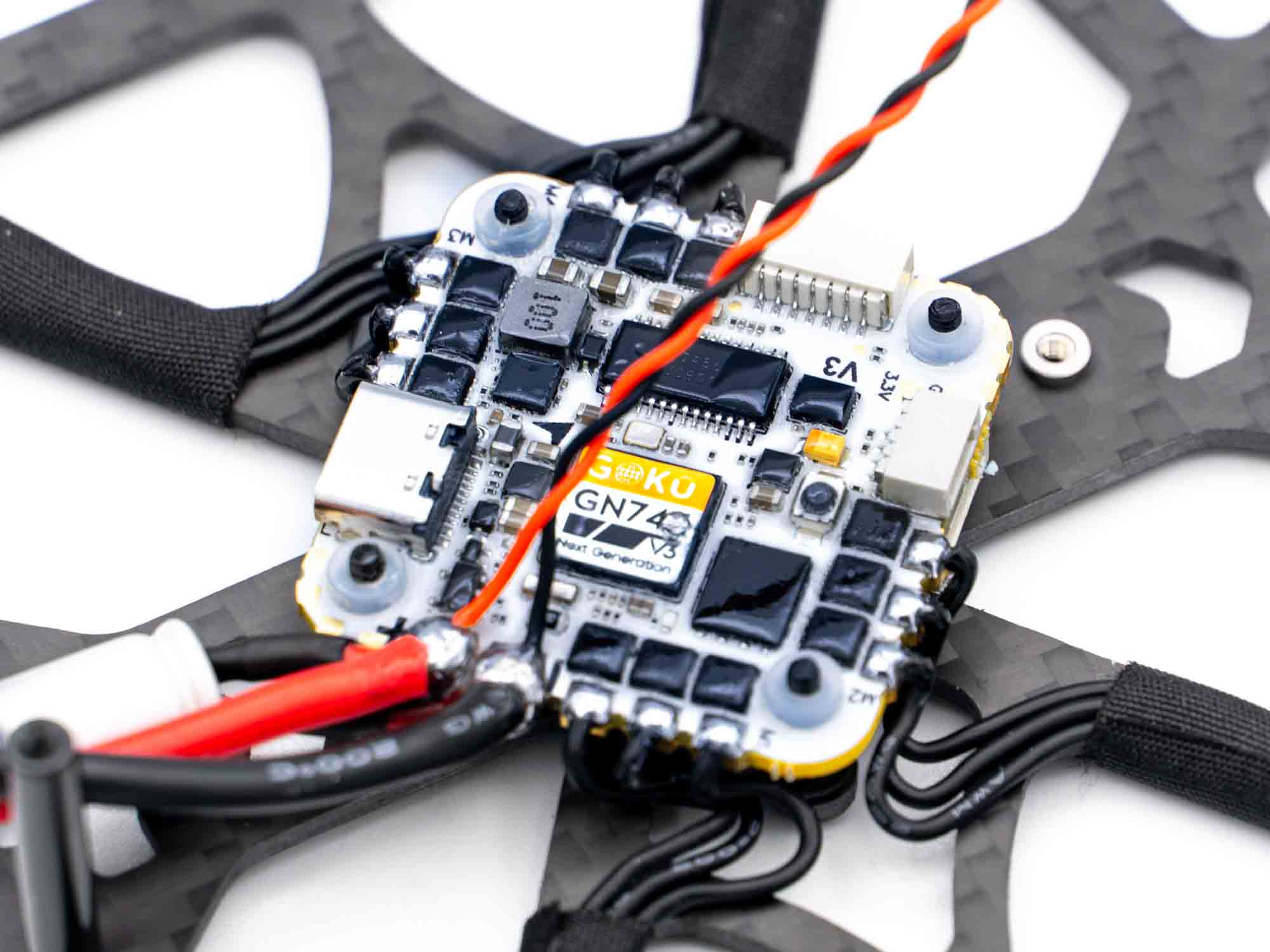
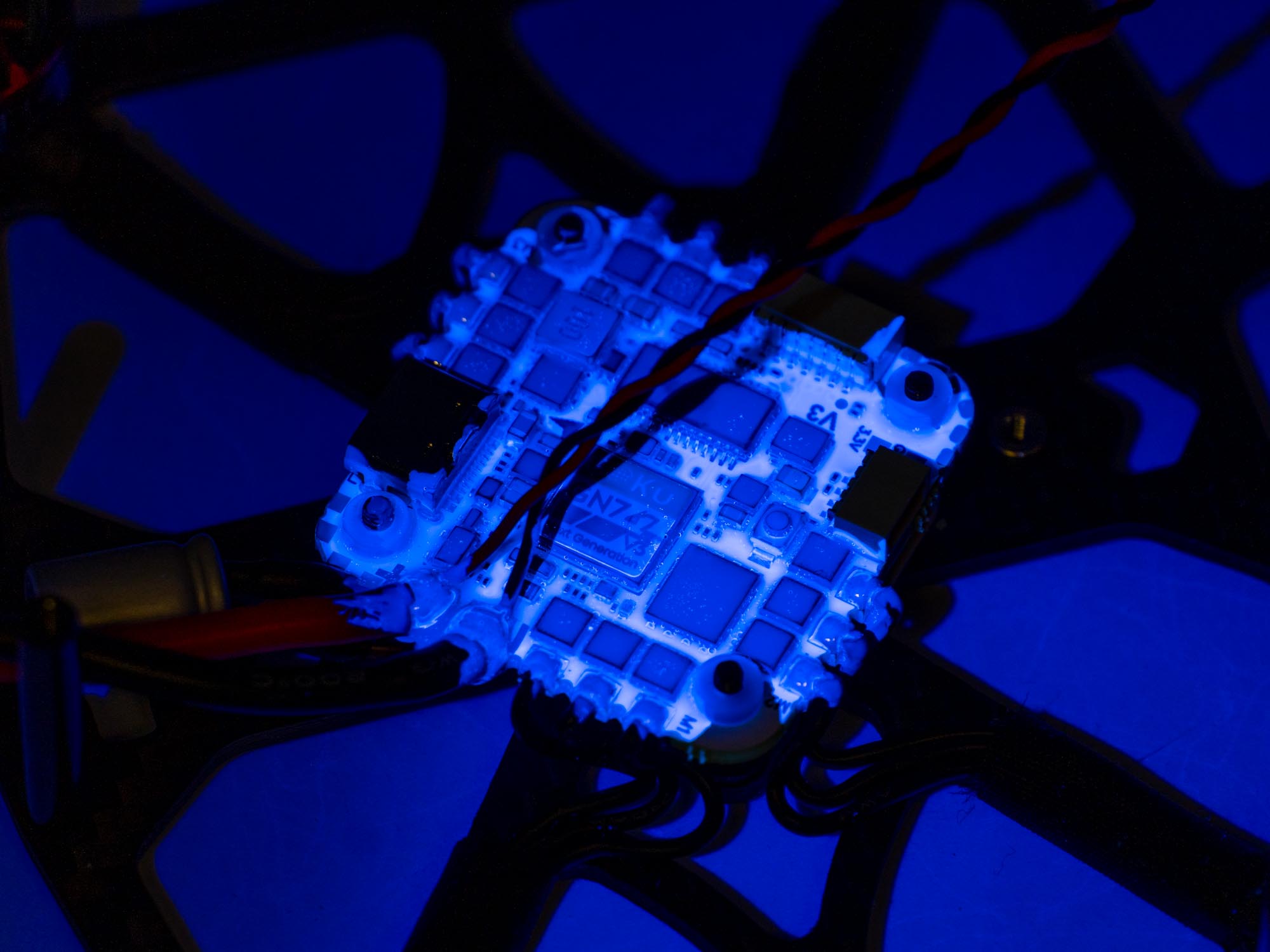
Now that everything is soldered, apply conformal coating to the top of the FC.
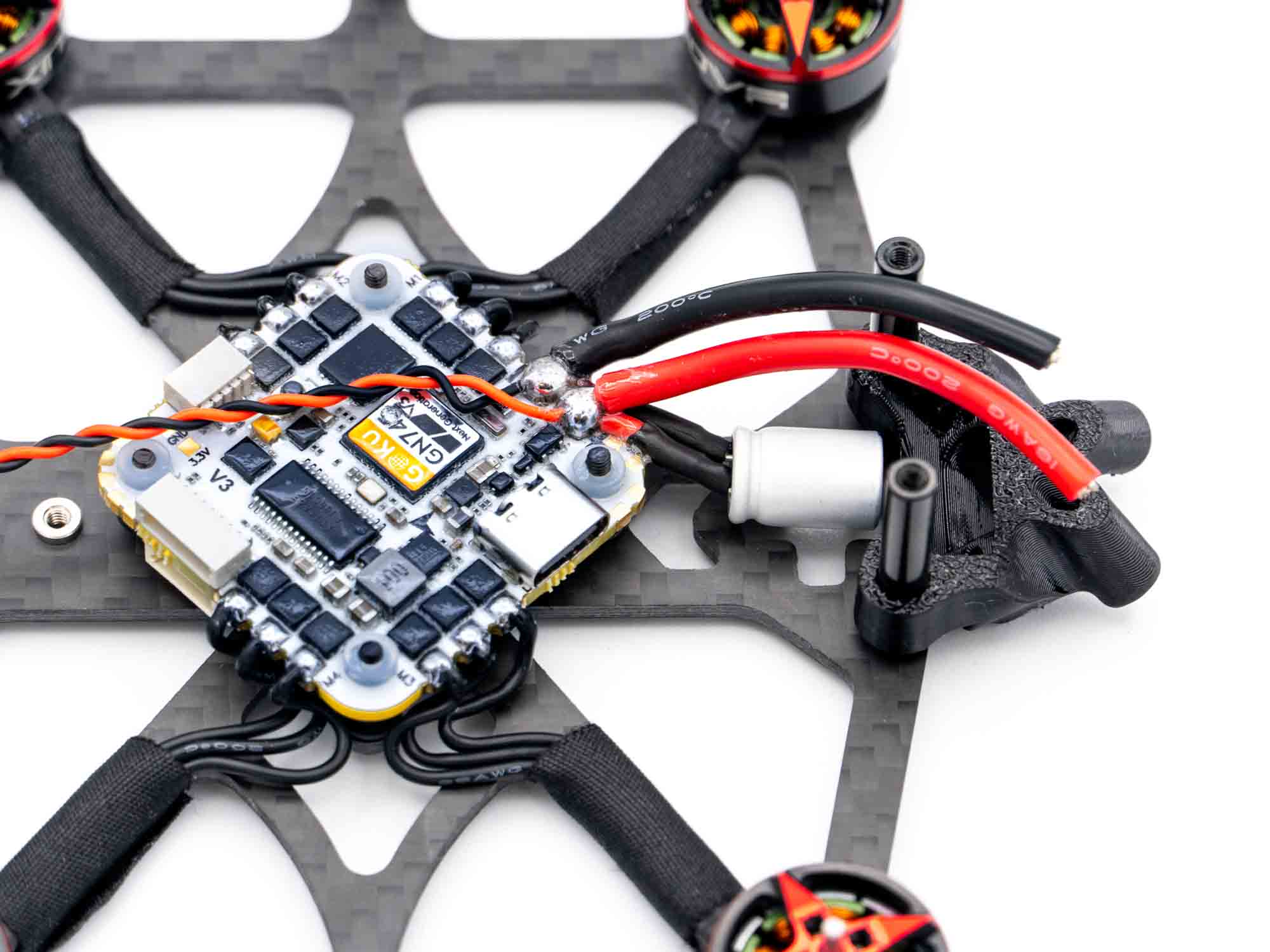 Install the TPU XT30 Mount on the rear end standoffs.
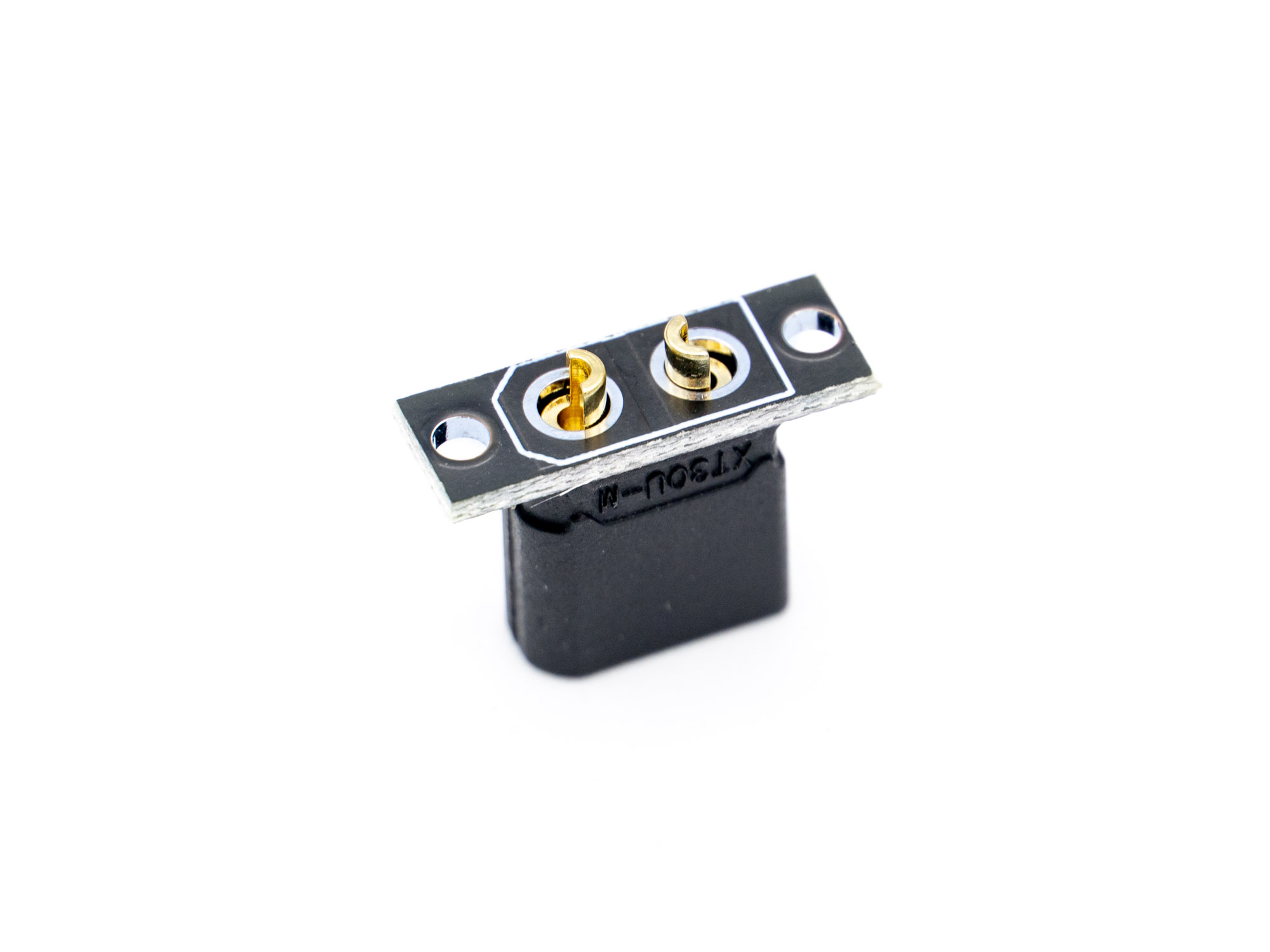
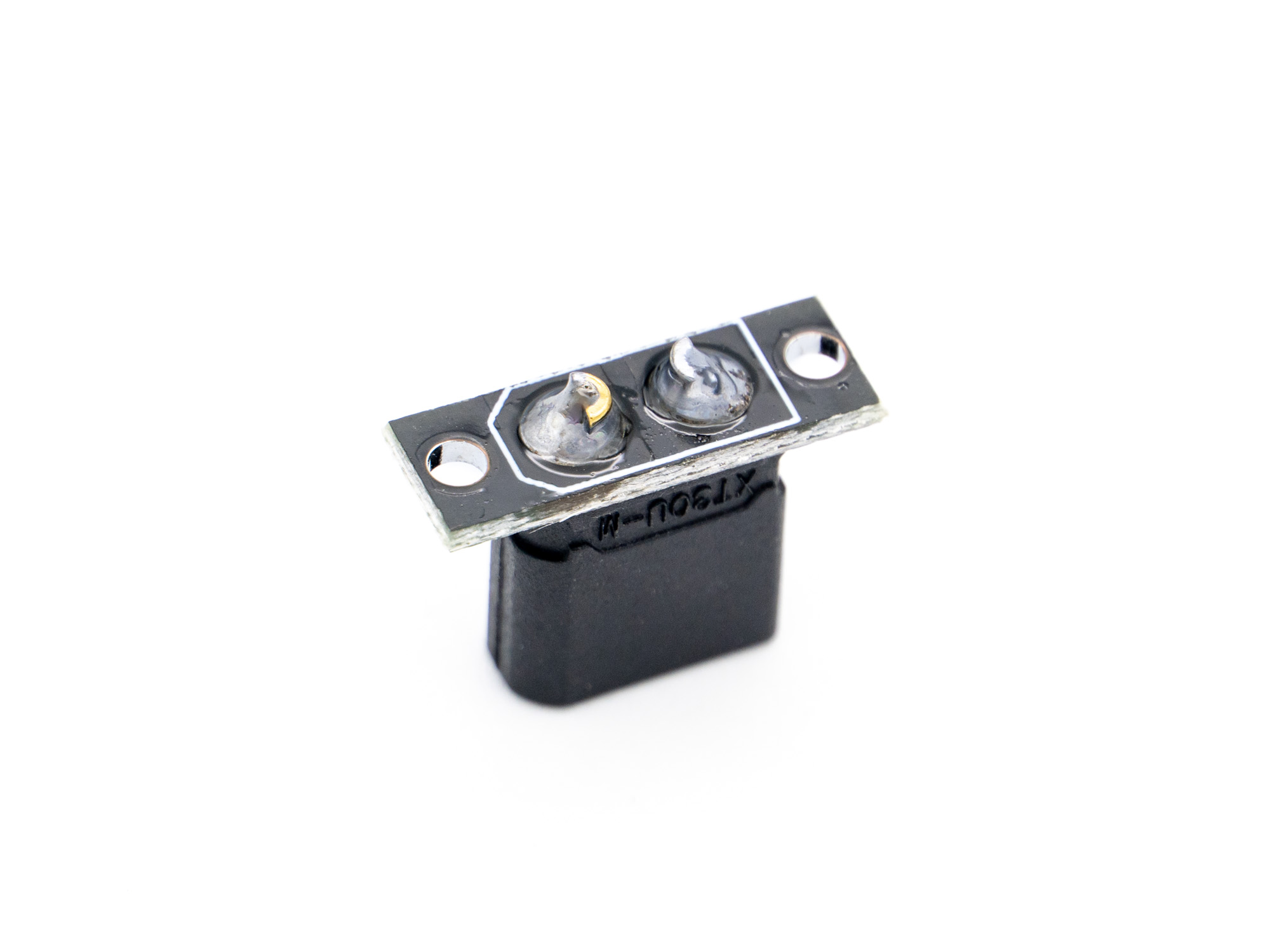
Prepare the male XT30 connector by soldering the PCB plate to it.
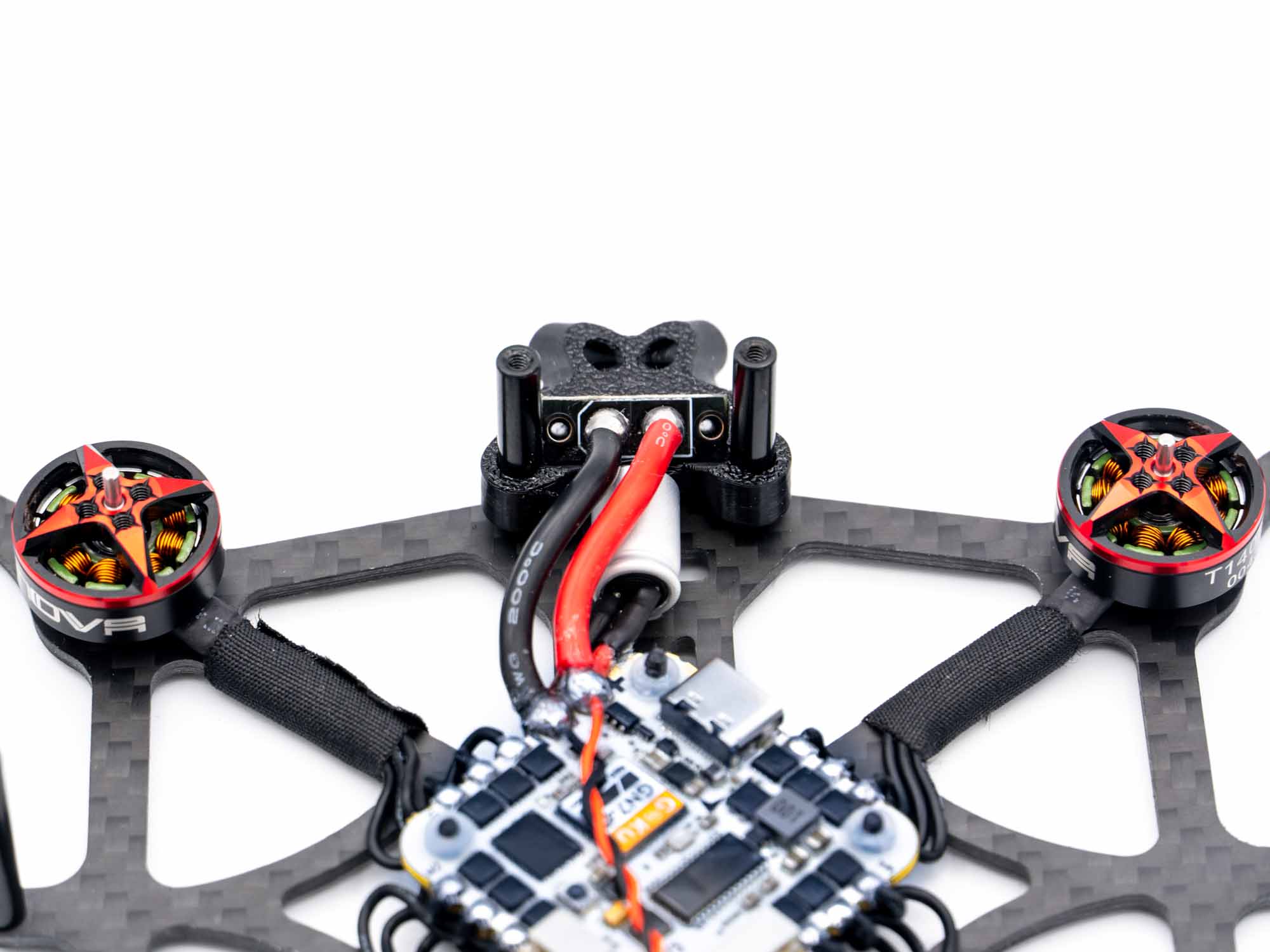 Cut the power wires to the right length and solder them to the XT30 connector.