
This is an old revision of the document!
Table of Contents
FlowX V3 Frame Build Manual
Introduction
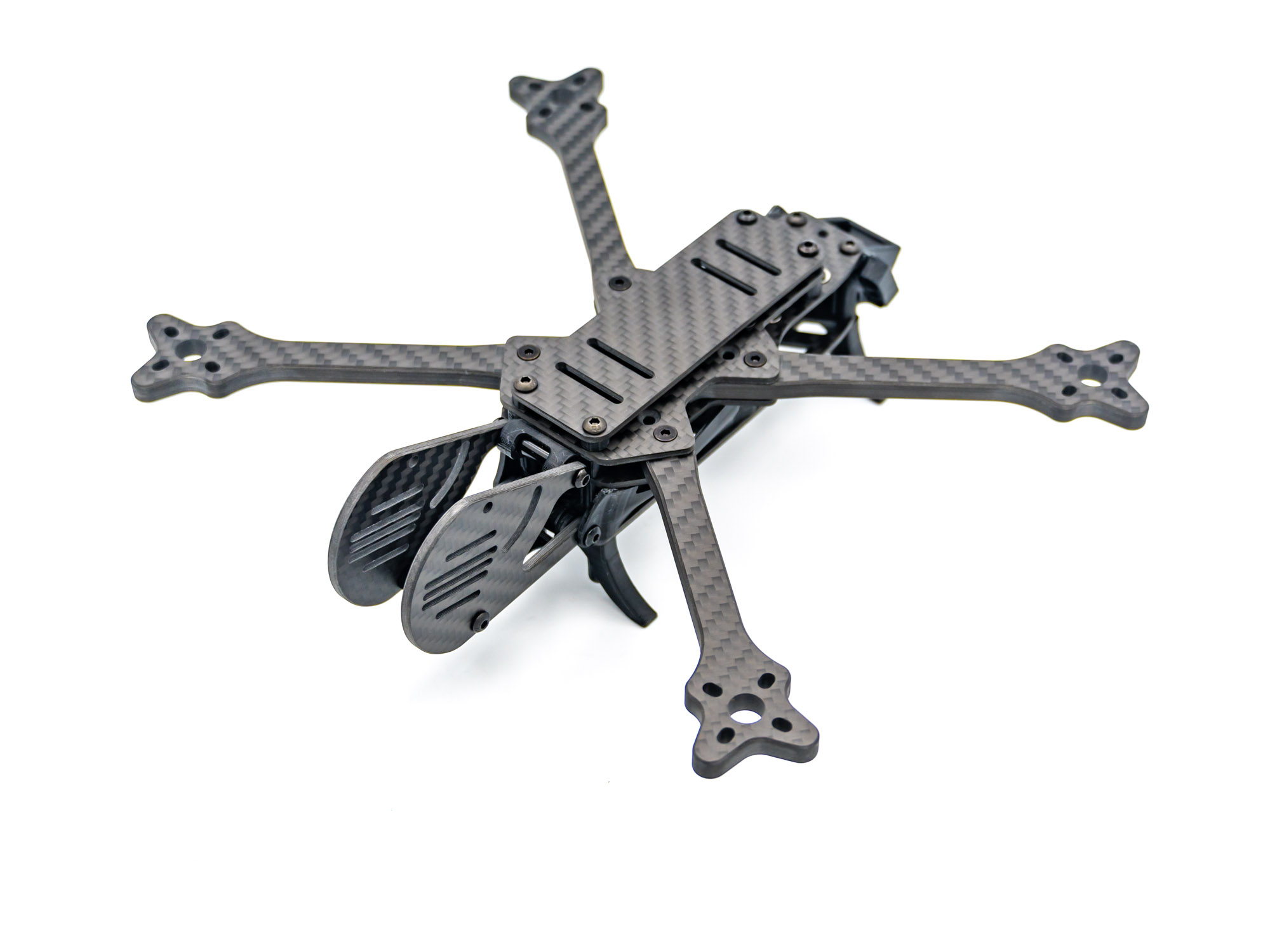 This Manual will help you to build your FlowX V3 Frame.
Top Plate
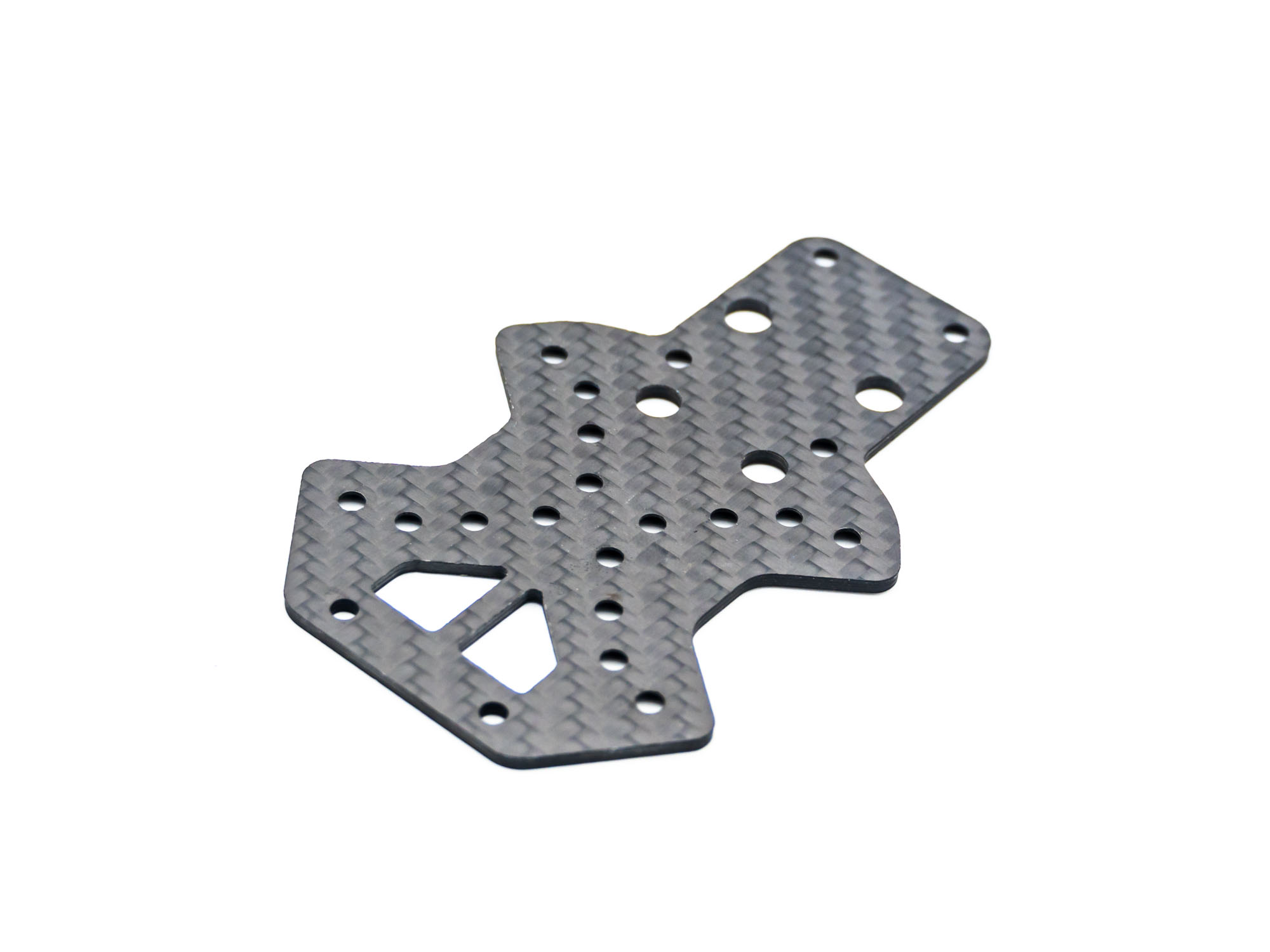 Start with the Top Plate, the countersinking facing downward.
Install Arms
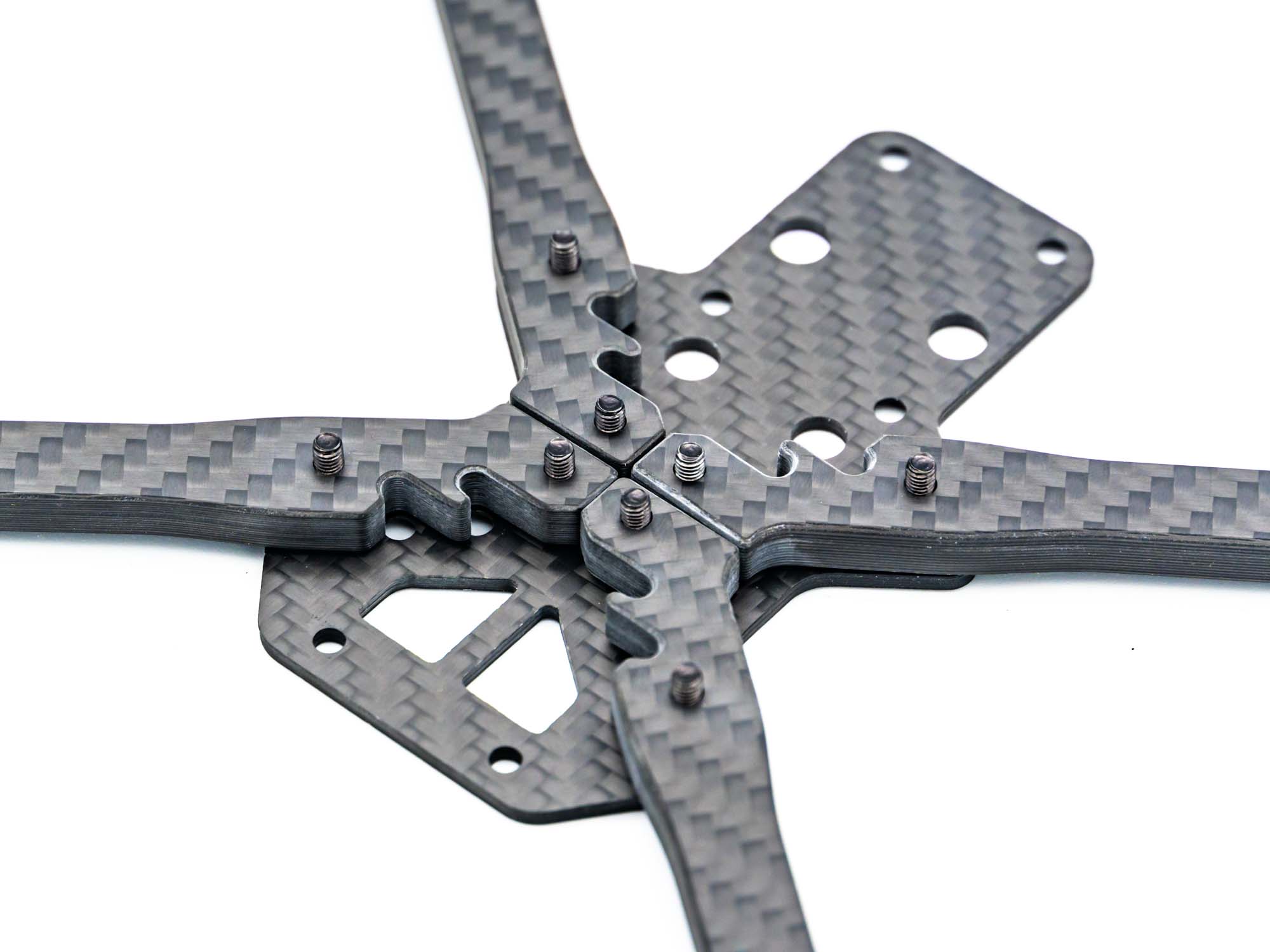 Add M3Sx12mm Screws and place the Arms like shown above.
Middle Plate
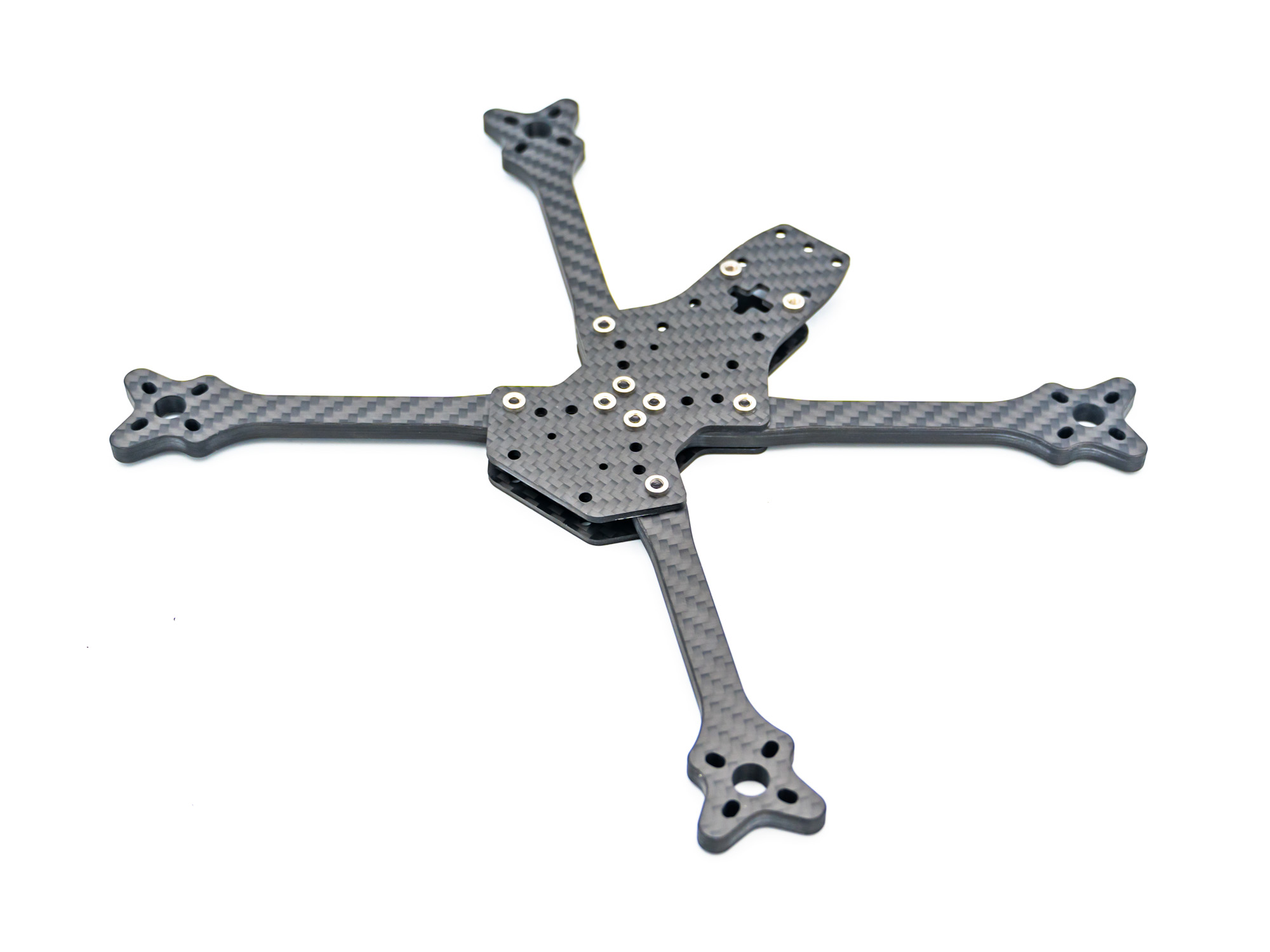 Ad the Middle Plate and tighten the screws.
TPU SPacers
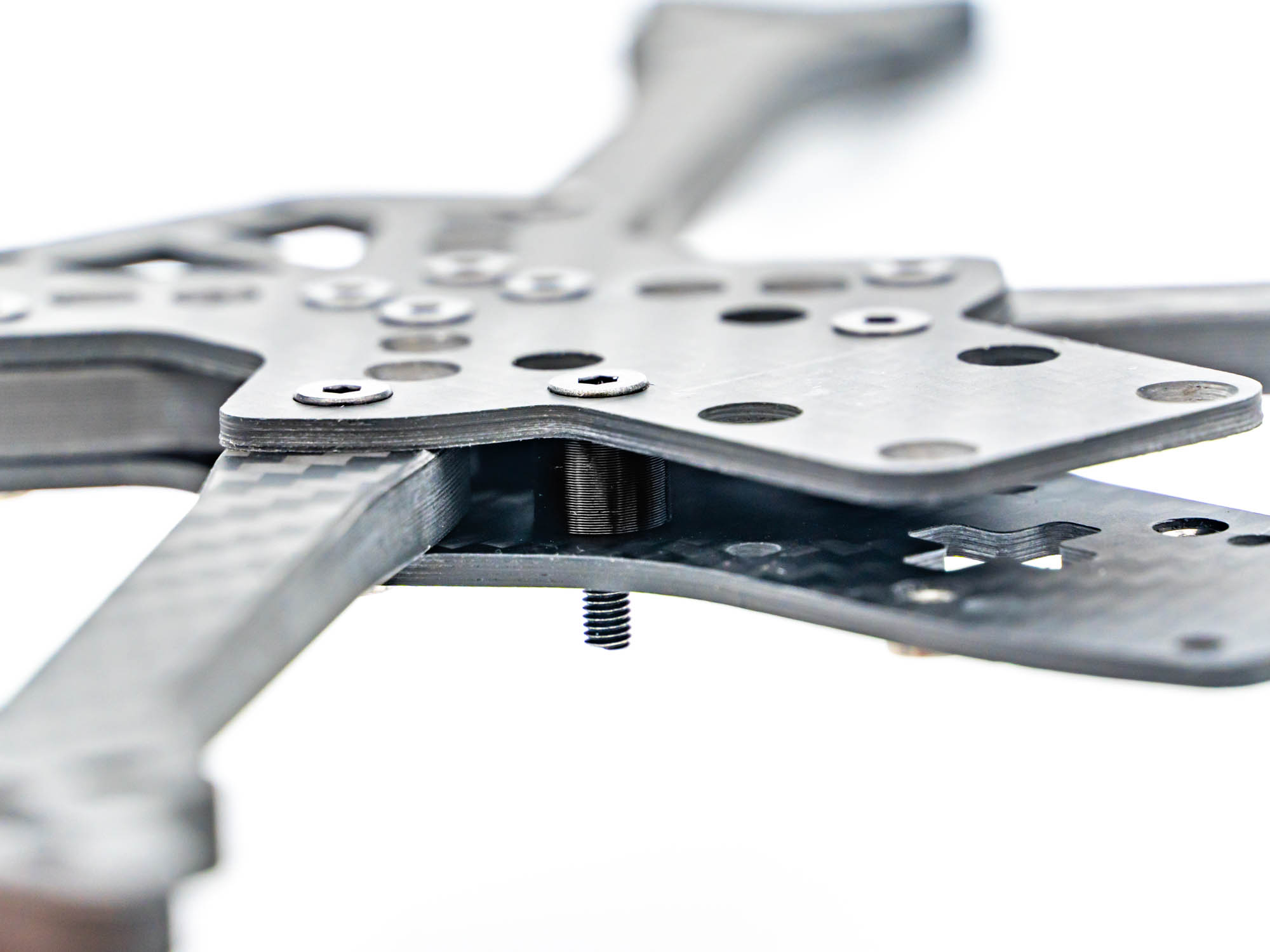 Install 6mm TPU Spacers with M3Sx15mm screws.
Gorilla Mount
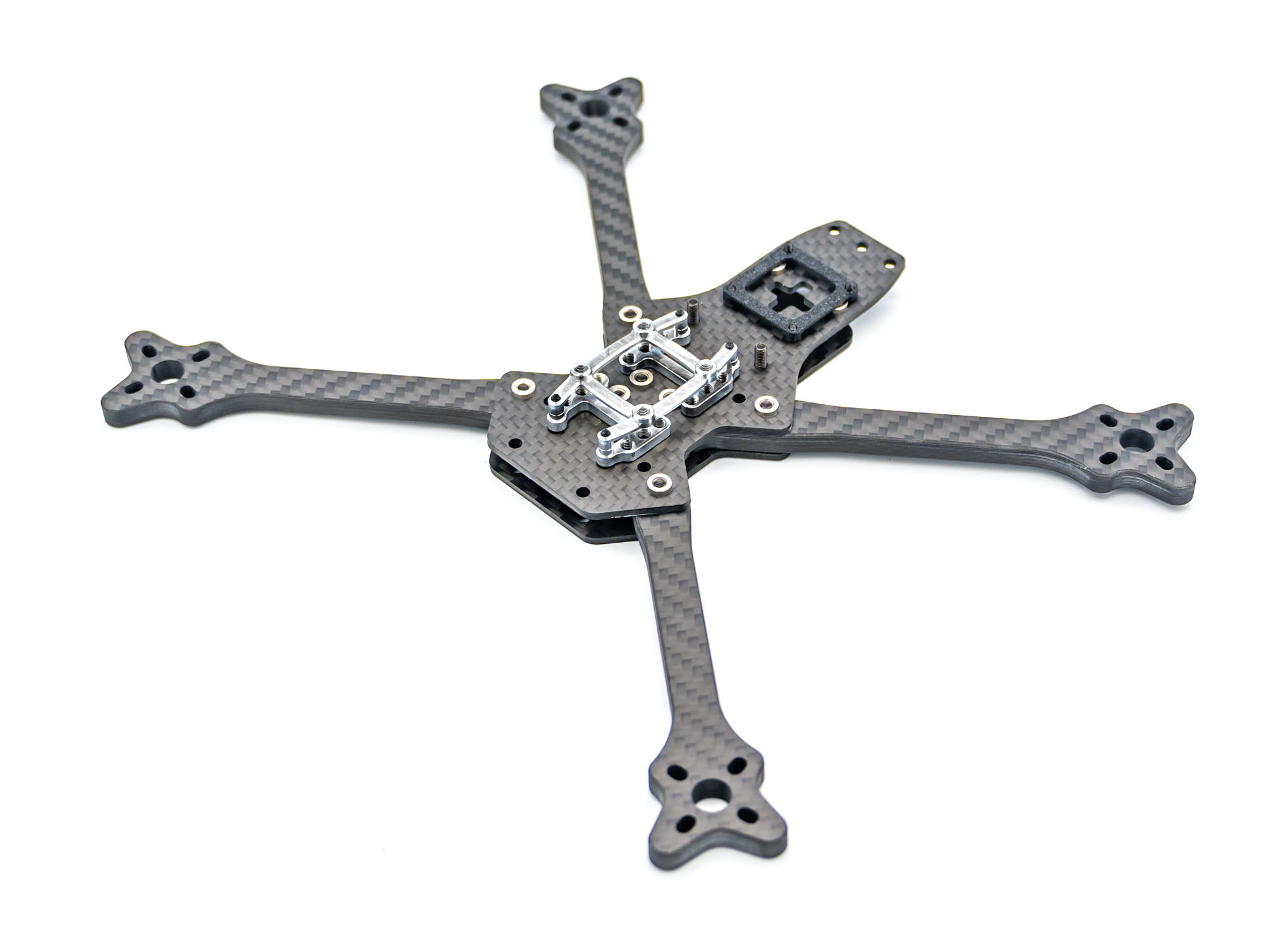
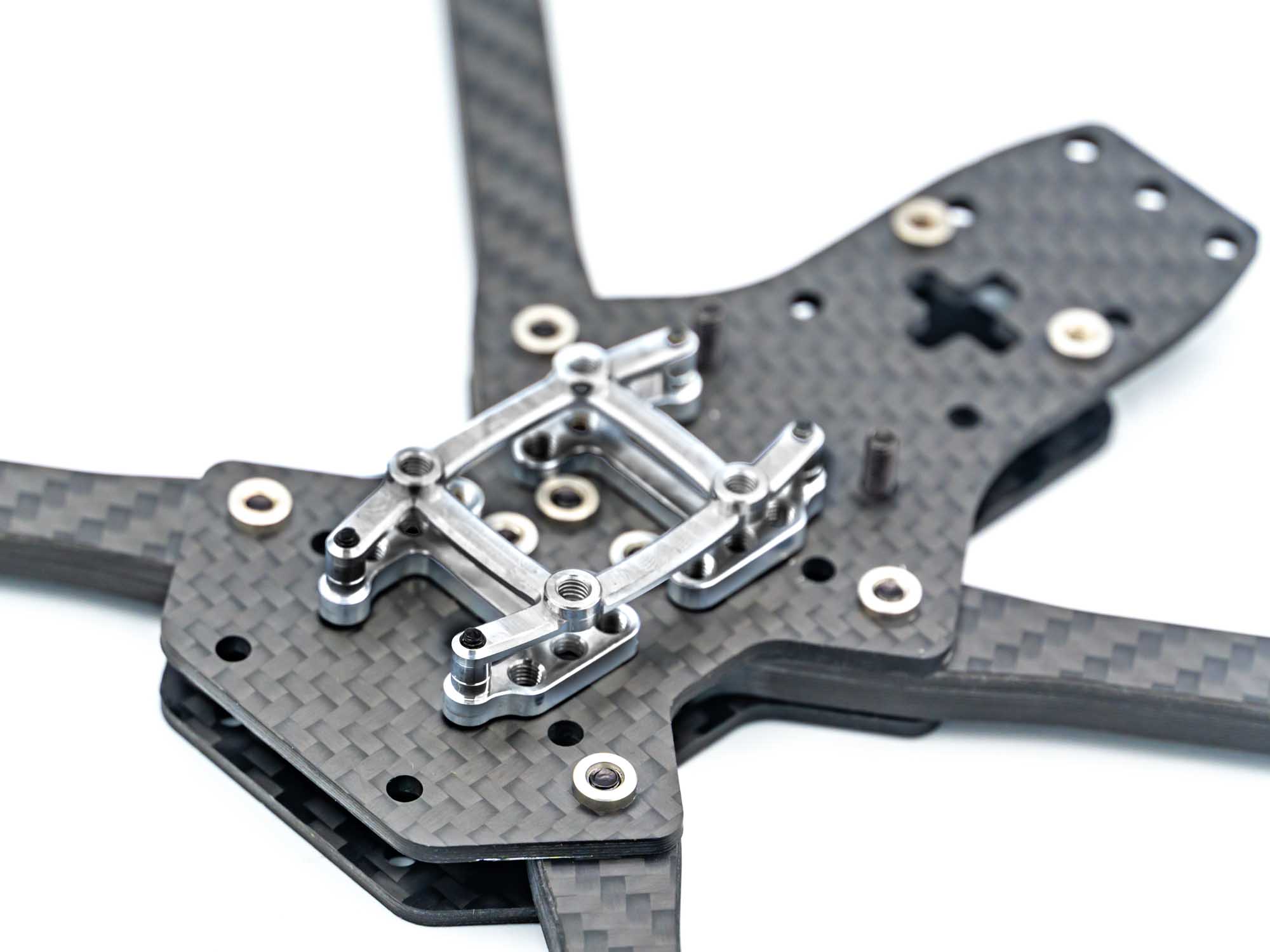 If you use the TBS Lucid Flight Stack, install the Gorilla Mount as shown above.
If another Stack is used use M3sx28mm Screws.
If you use the TBS Lucid Flight Stack, install the Gorilla Mount as shown above.
If another Stack is used use M3sx28mm Screws.
TPU VTX Mount
 Add the TPU VTX Mount for DJI O4 (Pro) or DJI O3 Using M2x5mm Screws and Aluminium washers on the backside of the Plate.
TPU Pod Mount
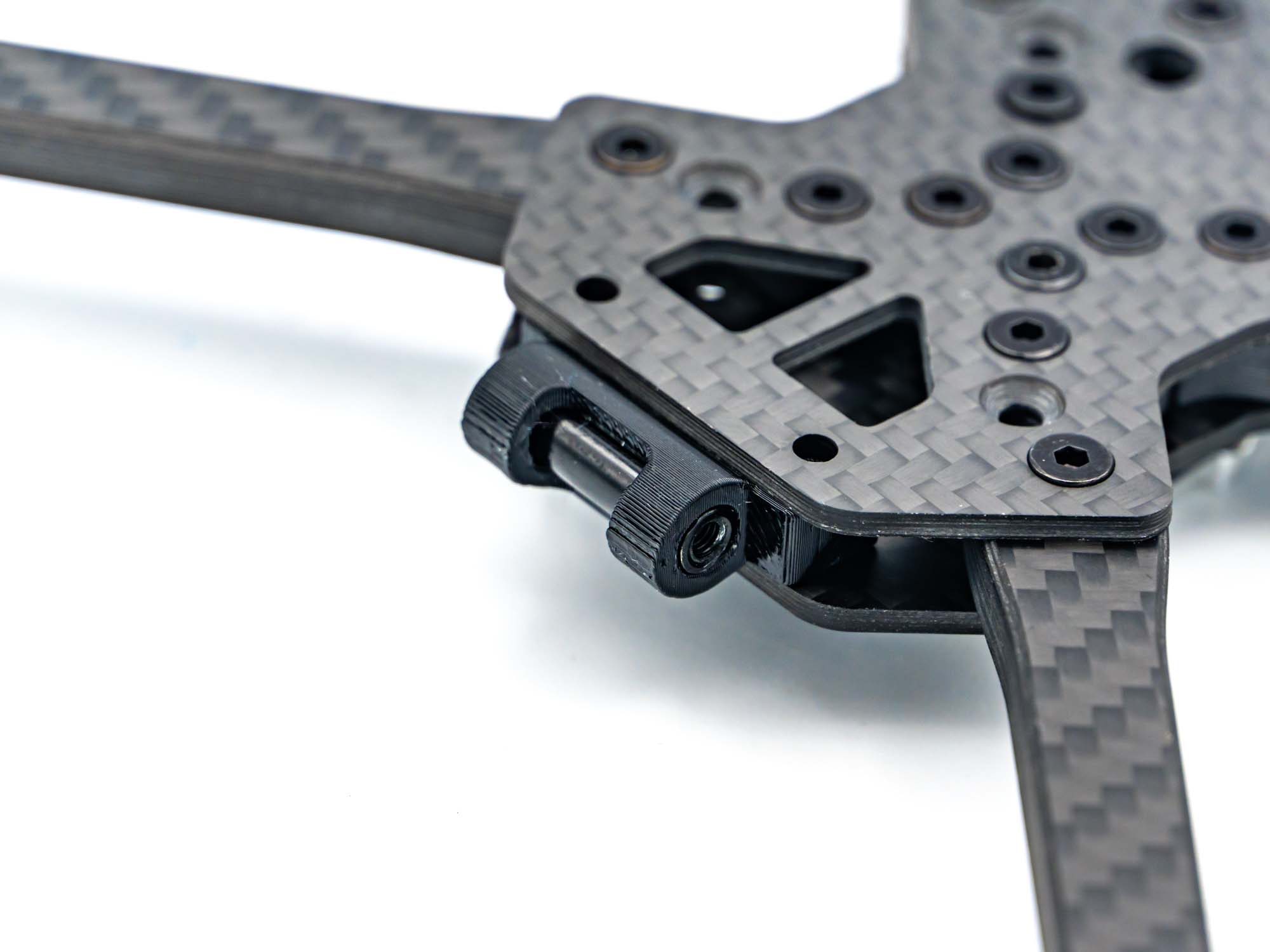 Push the TPU Pod Mount in place and shove a M3x20mm Standoff in the provided holes as shown above.
Prepare Battery Plate
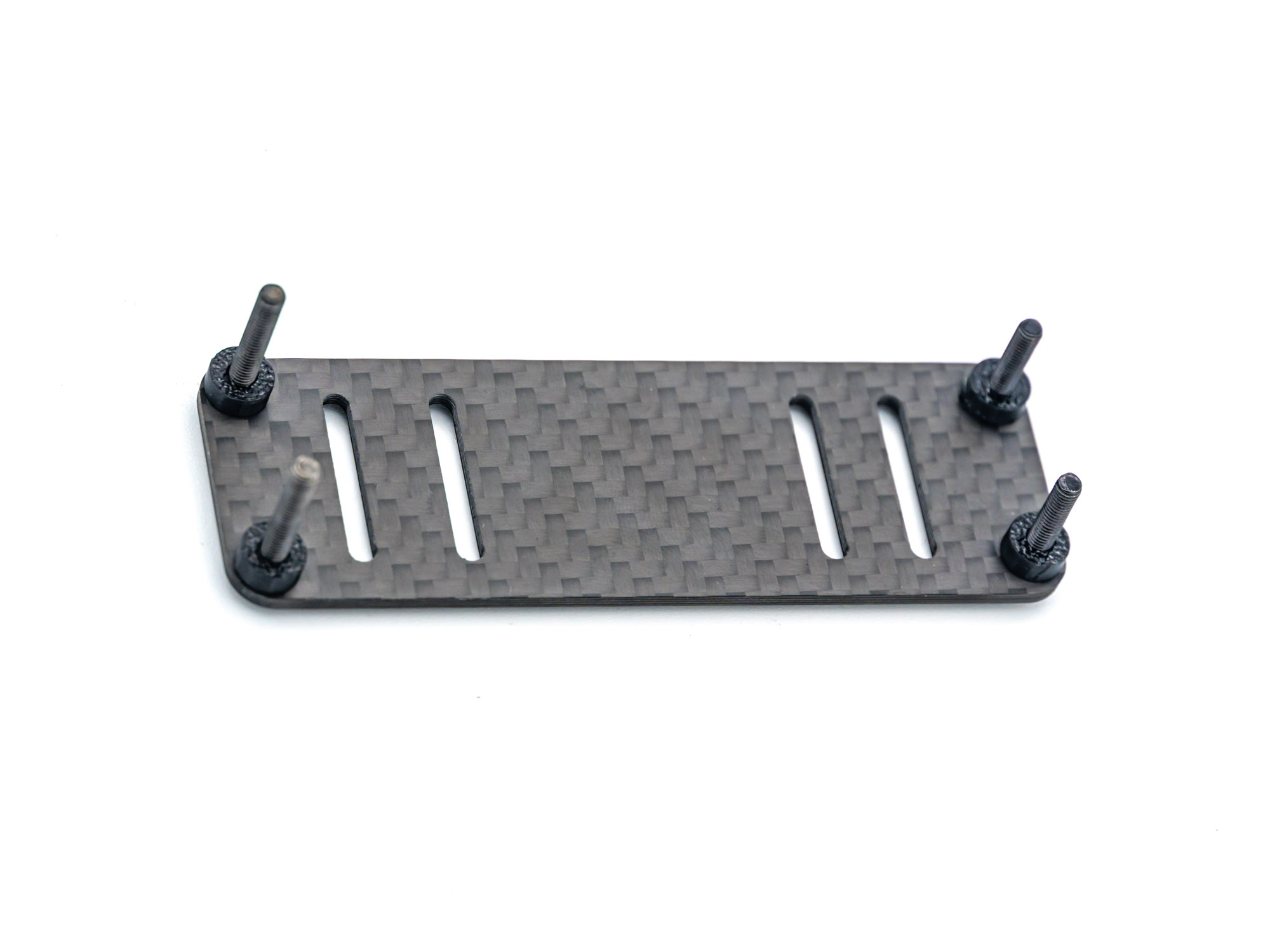 Prepare the Battery Plate with M3x20mm Screws and 4 3mm TPU Spacers.
Install Battery Plate
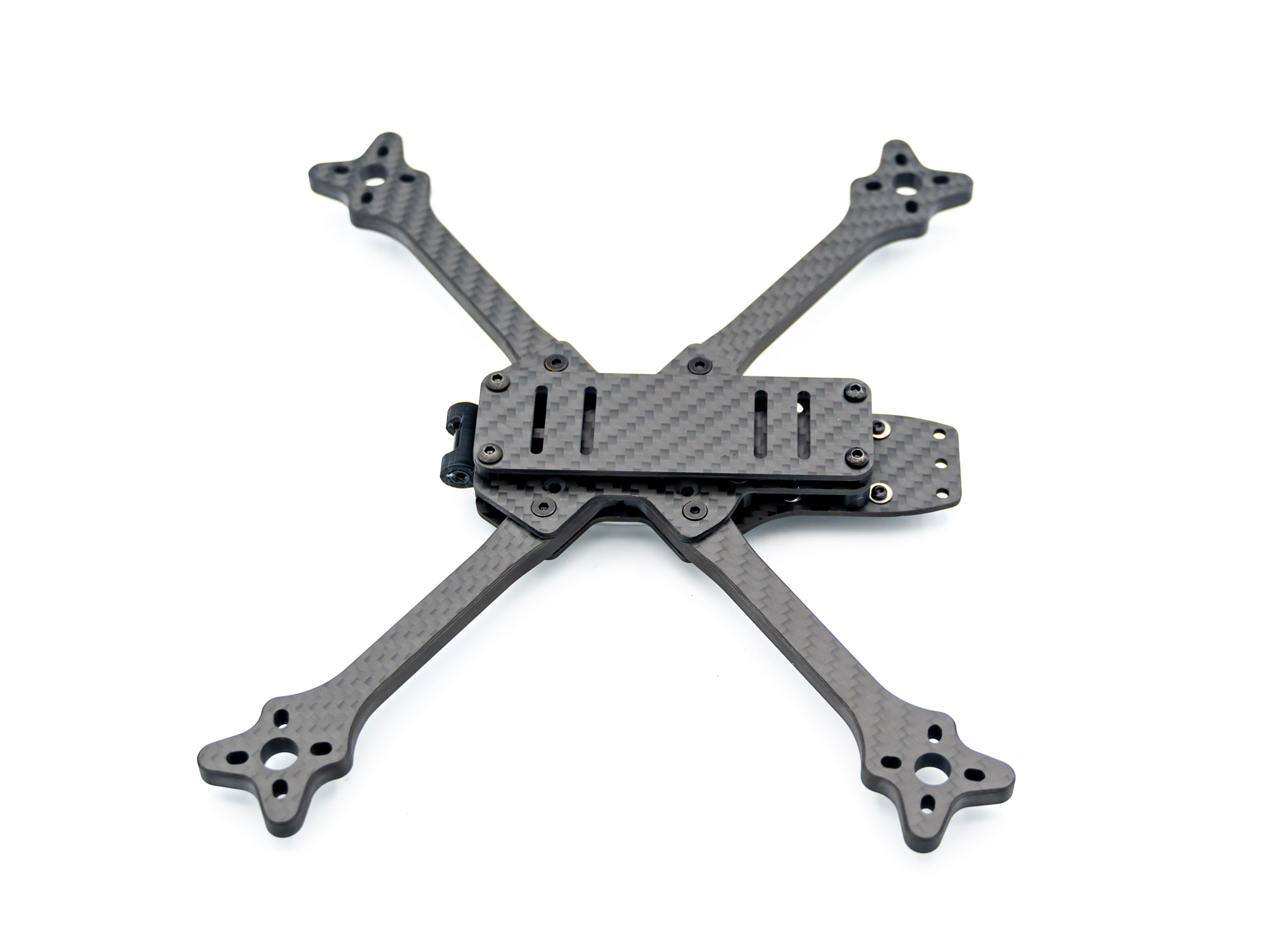 Install the Battery Plate through the rear 6mm TPU Spacers and the front TPU Pod Mount.
Controll your Build
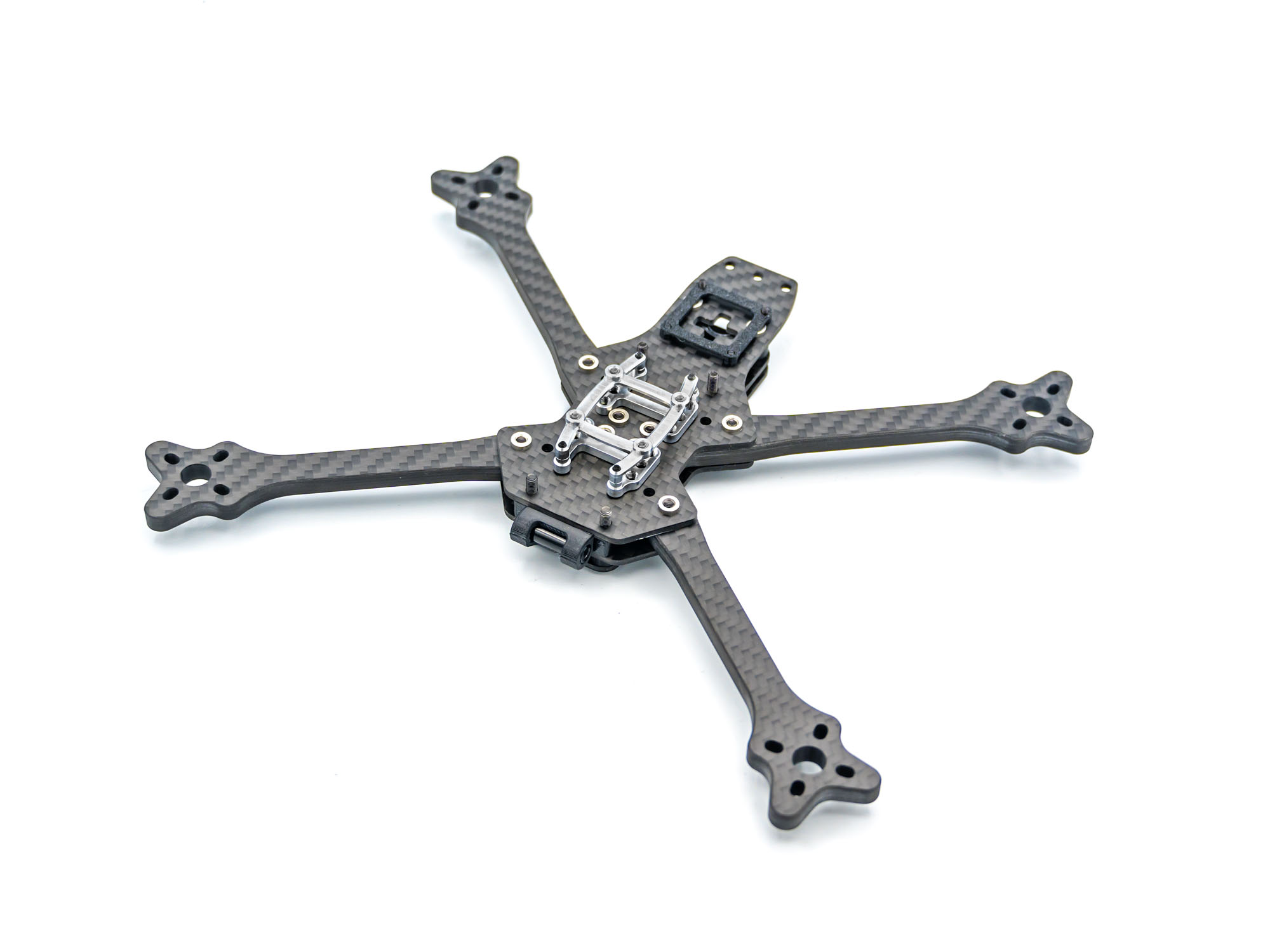 When flipped over, your build should look like this.
Standoffs
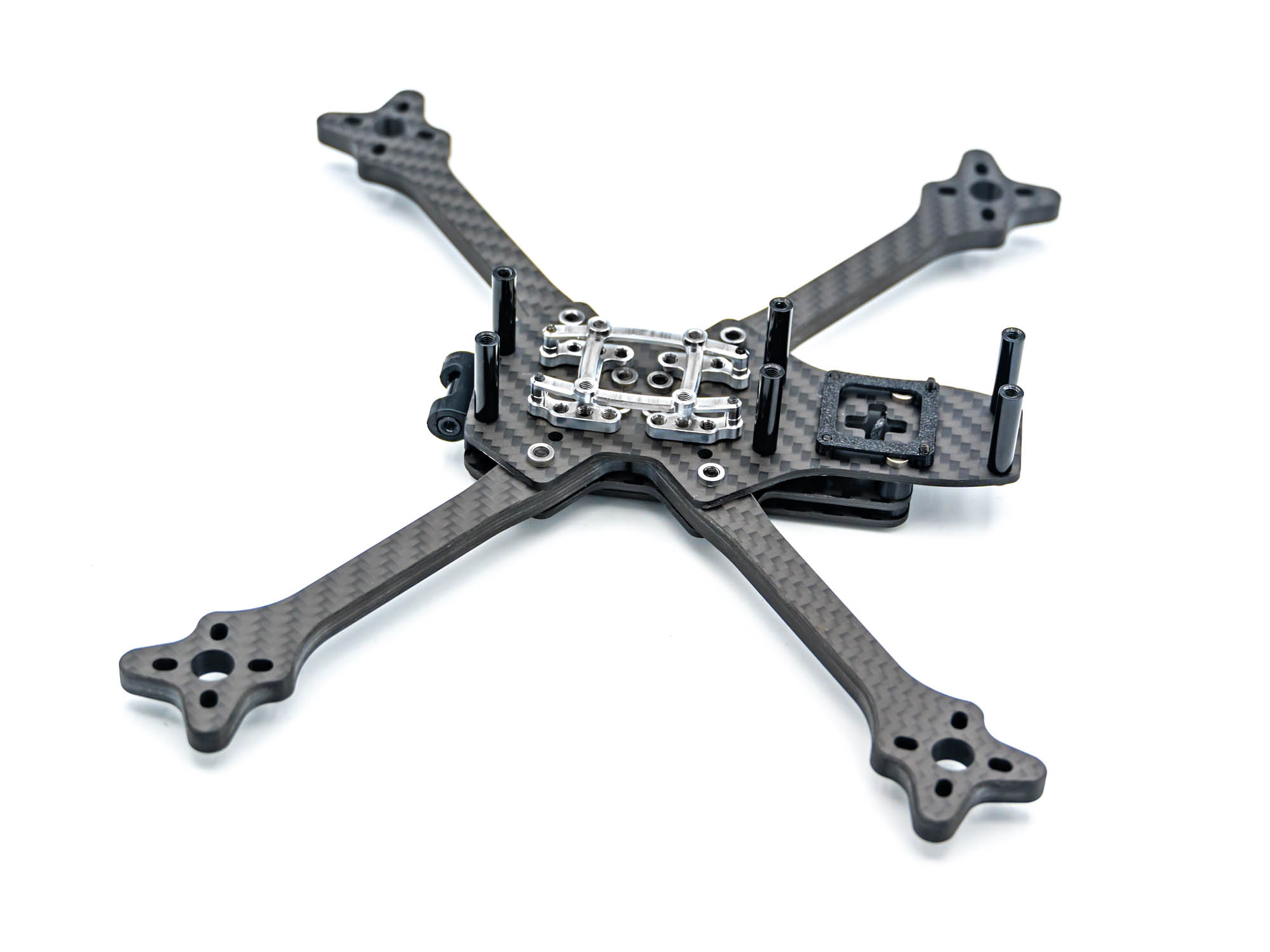 Install 6 M3x20mm Standoffs. Use 2 M3x6mm Screws on the rear two standoffs.
TPU Antenna & GPS Mount
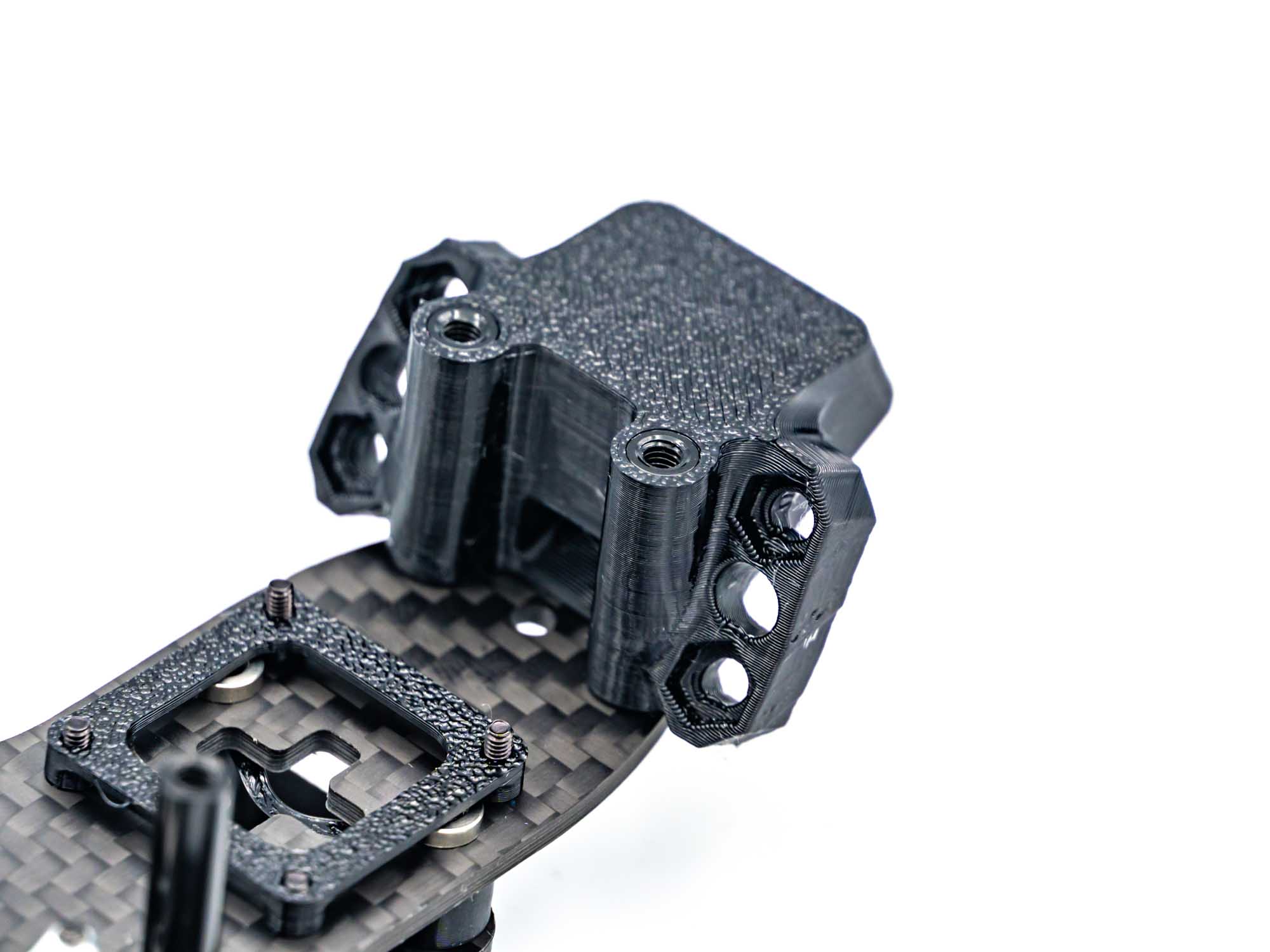 Push the antenna & GPS Mount onto the rear Standoffs. Be shure to have the orientation right as shown above.
TPU Bottom Pod Mount
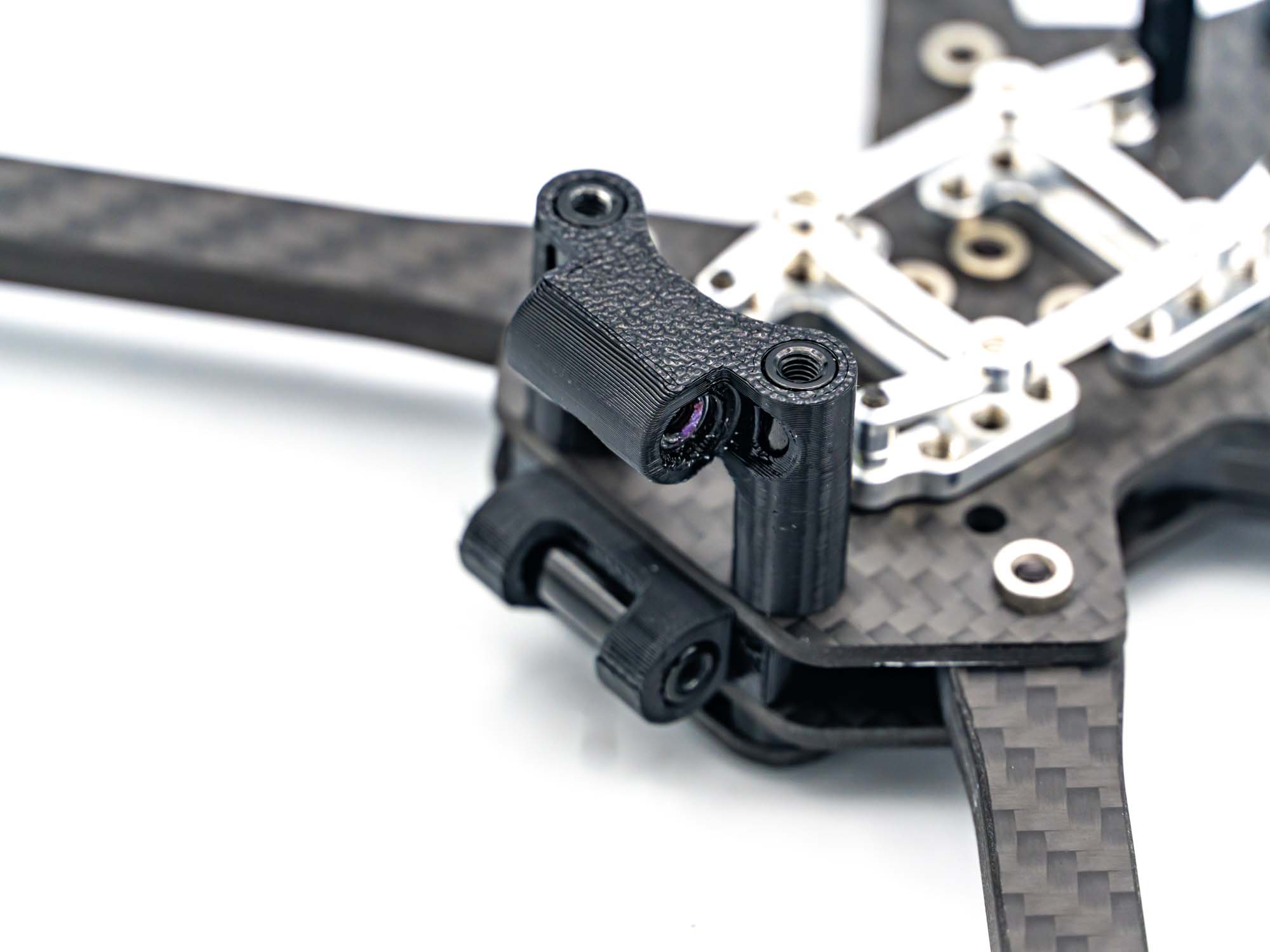 Push the Pod bottom Mount on the two front Standoffs and add a M3x15mm Standoff through the designated hole.
Camera Pod
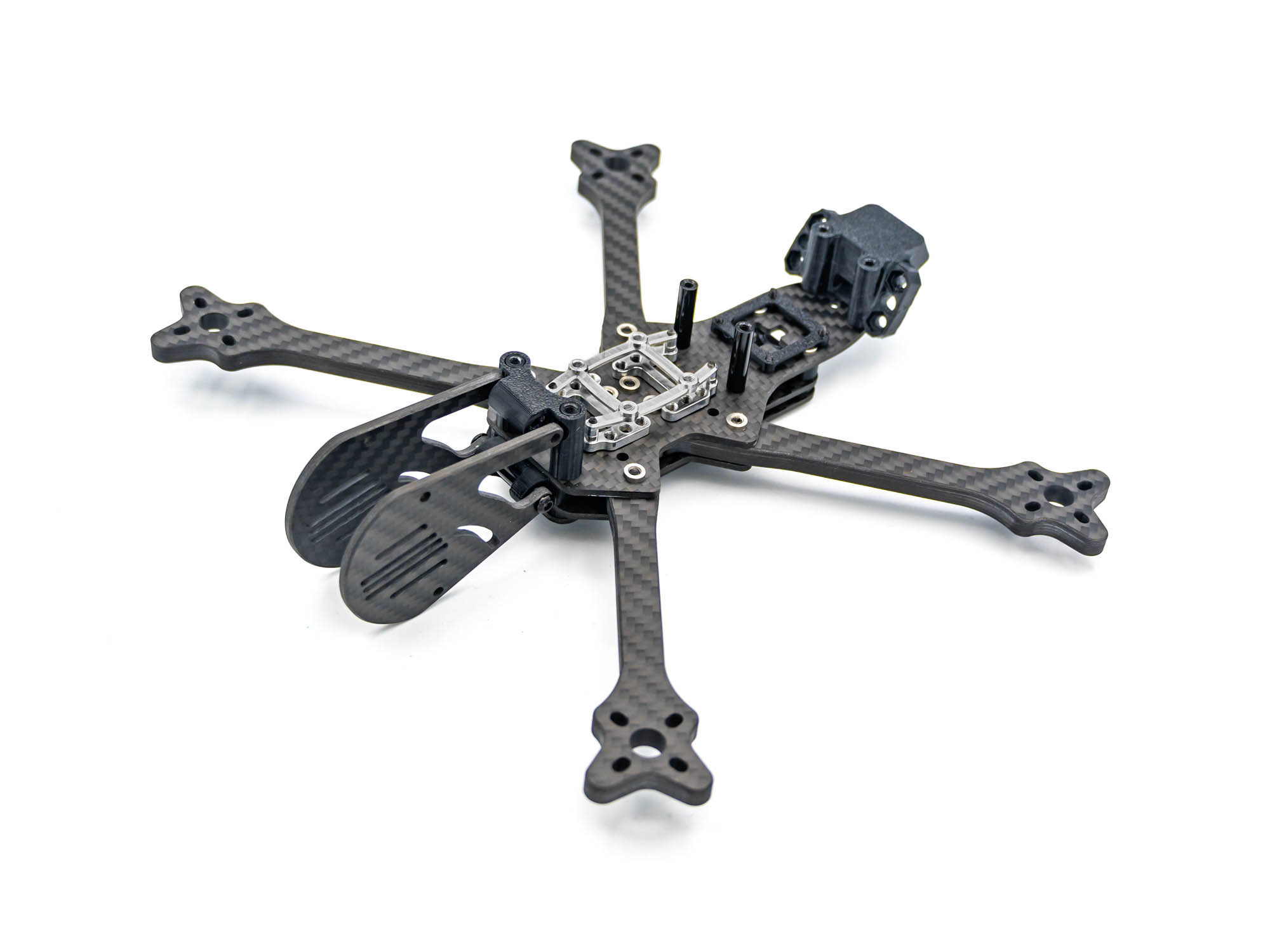 Install the Camera Pod Plates. Only screw in at the top Pod Mount yet with M3x8mm Screws.
TPU Stack Cover
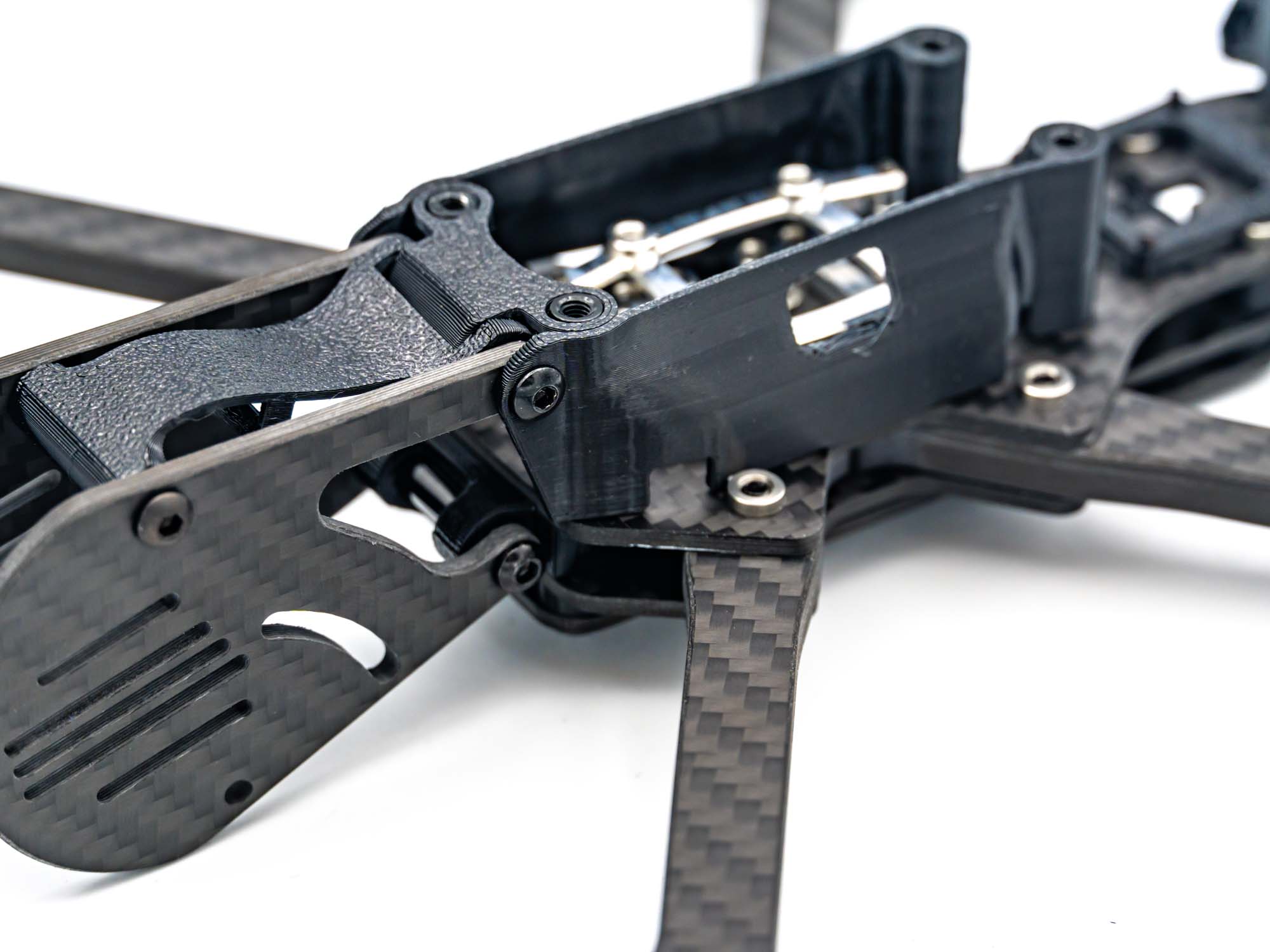 Add the TPU RX Mount and push in a M3x20mm Standoff in the front hole of the RX Mount. Use M3x10mm Screws at the Pod Mount and M3x8mm Screws in the front for the RX Mount.
Also push on both side TPU Stack Covers before screwing in the TPU RX Mount.
Add the TPU RX Mount and push in a M3x20mm Standoff in the front hole of the RX Mount. Use M3x10mm Screws at the Pod Mount and M3x8mm Screws in the front for the RX Mount.
Also push on both side TPU Stack Covers before screwing in the TPU RX Mount.
Bottom Plate
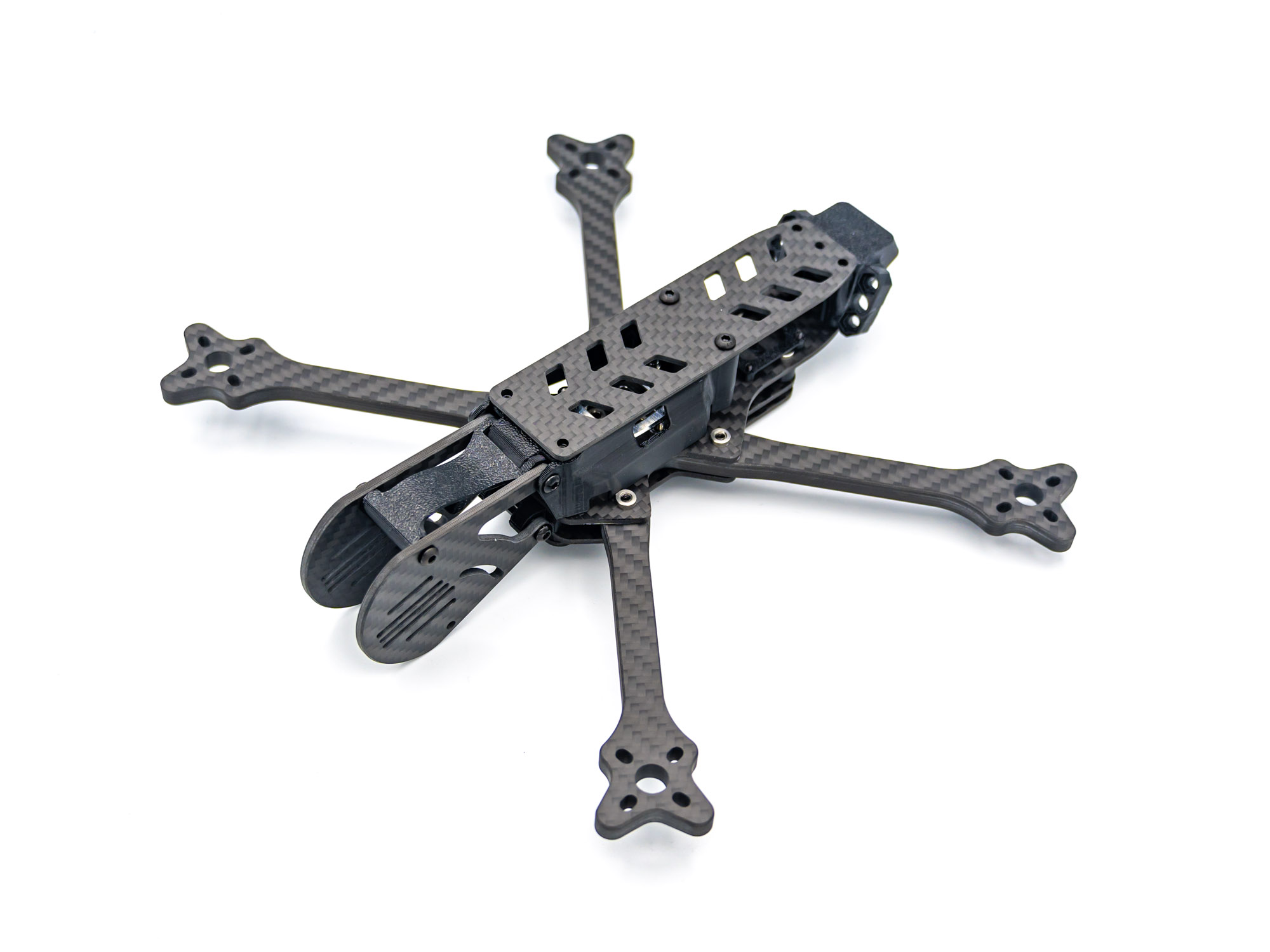 Install the bottom Plate using two M3x6mm screws
TPU Landing Gear
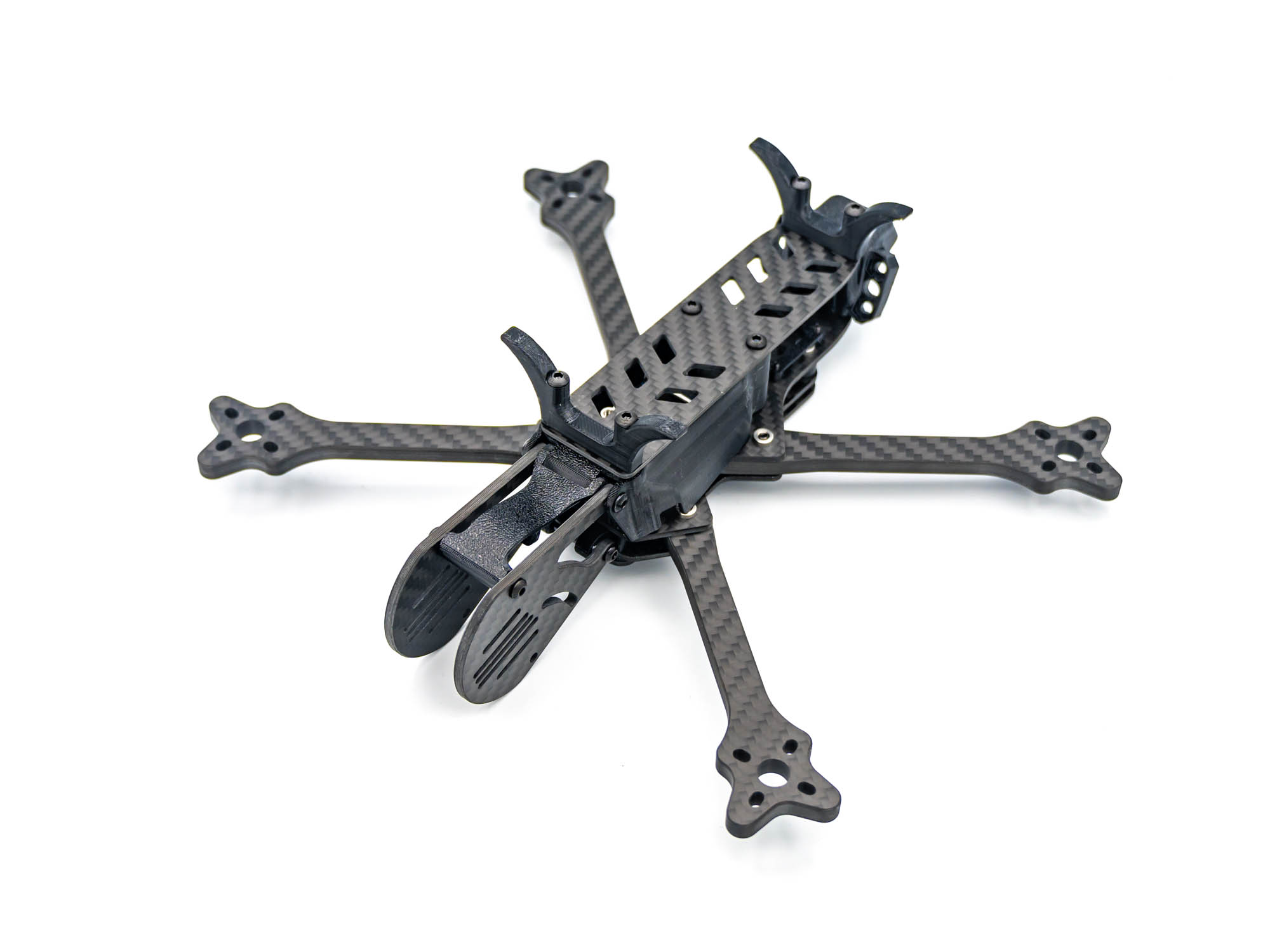 Install the front and back TPU Landing gears using M3x20mm screws.
Finish
That is it, you are finished with building your FlowX V3 Frame!